3D Point Cloud Deduplication
Operator Function
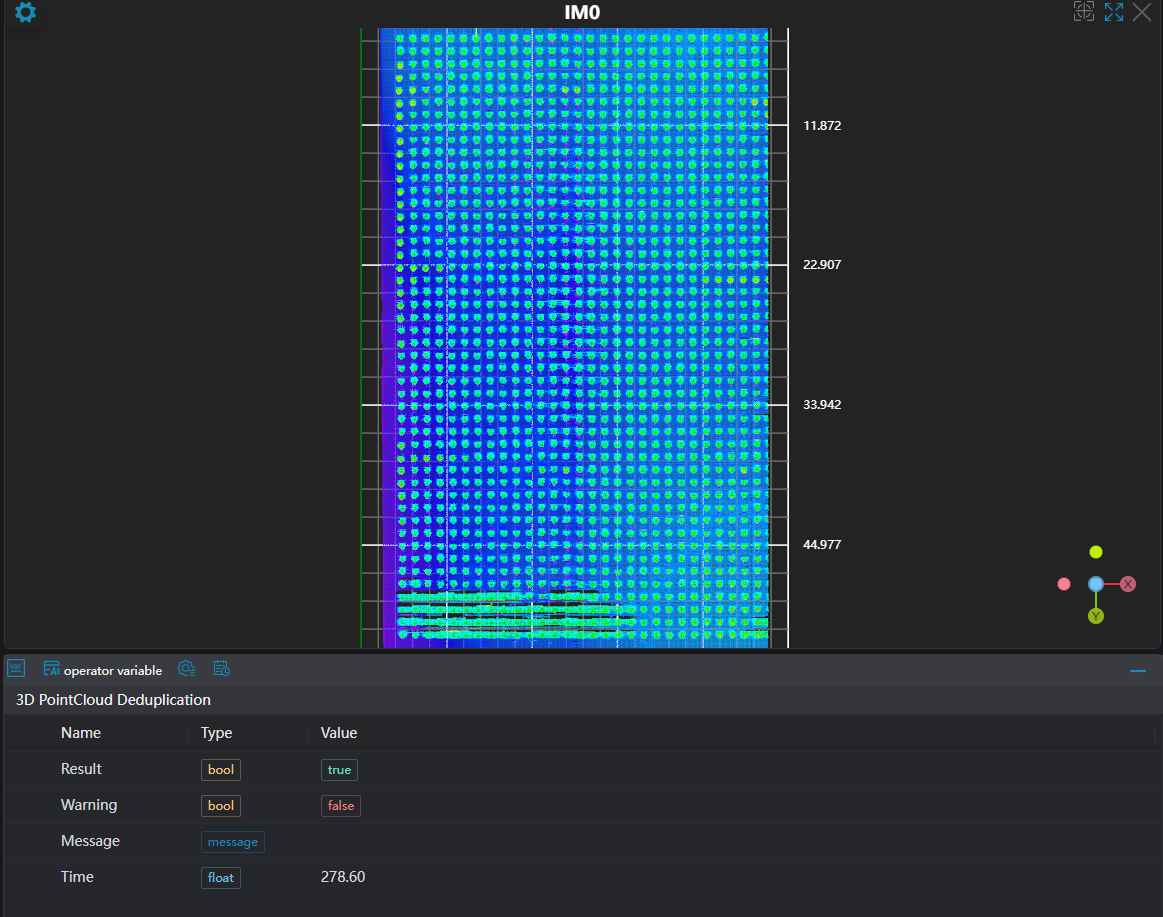
Detects duplicate points in a point cloud and merges them into a single average point, thereby achieving point cloud deduplication.
Parameter Introduction
Input Parameters
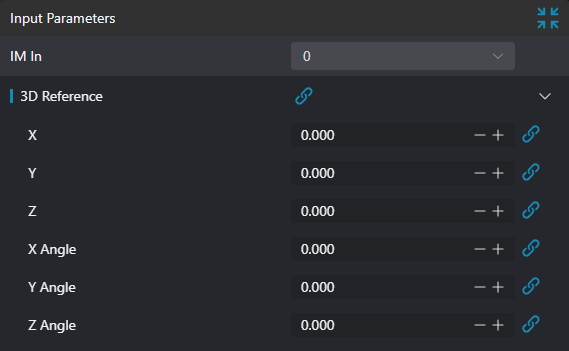
| Parameter | Range | Default | Description | Illustration |
|---|---|---|---|---|
| Input Image | 0-31 | 0 | IM number for image input |  |
| 3D Datum | Can be selected by binding 基准 | 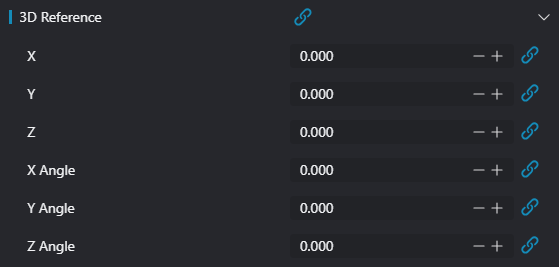 | ||
| X | 3D datum parameter X coordinate value, can be set via binding X | |||
| Y | 3D datum parameter Y coordinate value, can be set via binding Y | |||
| Z | 3D datum parameter Z coordinate value, can be set via binding Z | |||
| X-axis Angle | -10000000000.000-10000000000.000 | 3D datum parameter X-axis angle value, can be set via binding X轴角度 | ||
| Y-axis Angle | -10000000000.000-10000000000.000 | 3D datum parameter Y-axis angle value, can be set via binding Y轴角度 | ||
| Z-axis Angle | -10000000000.000-10000000000.000 | 3D datum parameter Z-axis angle value, can be set via binding Z轴角度 |
Computation Parameters
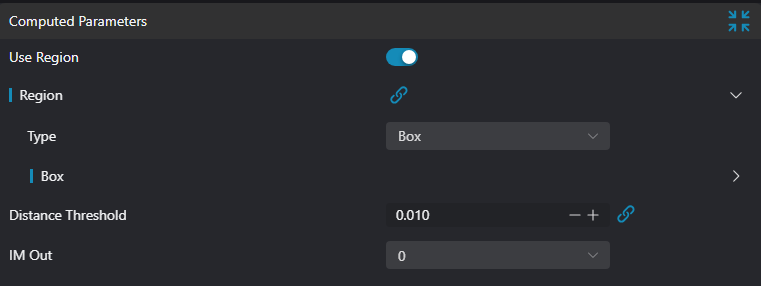
| Parameter | Range | Default | Description | Illustration |
|---|---|---|---|---|
| Use Region Parameter | true/false | false | When enabled, uses 区域 as input; when disabled, uses 输入图像 as input | |
| Region | 2D Window/2D Circular Window/Box/Cylindrical Box/Rotated Box | Box | Manually select an appropriate ROI regionCan select an existing ROI region via binding | |
| Distance Threshold | 0.0-10.0 | 0.01 | For a pair of points, if the distance between them is less than the distance threshold, they are considered a pair of duplicate points; otherwise, they are not a duplicate point pair | |
| Output Image | 0-31 | 0 | IM number for image output |
Result Display
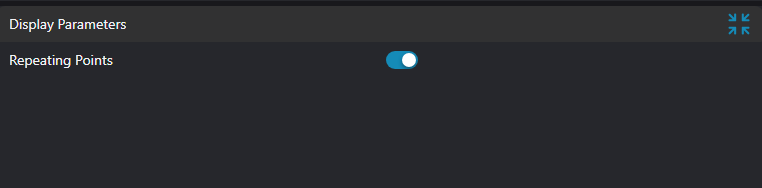
| Parameter | Range | Default | Description | Illustration |
|---|---|---|---|---|
| Duplicate Points | true/false | false | Duplicate point set; if enabled, displayed in the image |
Output Parameters
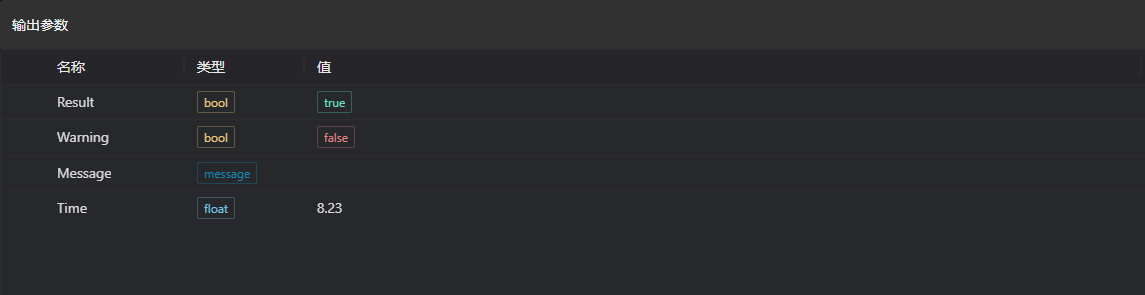
| Name | Type | Range | Description |
|---|---|---|---|
| Result | bool | true/false | true: success false: failure |
| Warning | bool | true/false | true: warning present false: no warning |
| Message | string | Outputs success, error, or warning message; empty if no error or warning | |
| Time | float | Operator execution time, unit: ms |
Troubleshooting
| No. | Exception Message | Corresponding Parameter | Solution |
|---|---|---|---|
| 1 | Input point cloud is empty | Load a point cloud or switch to an IM that contains a point cloud | |
| 2 | The input region type is {0}, invalid region type | Region type | The region input type must be one of: 2D Window/2D Circular Window/Box/Cylindrical Box/Rotated Box |
Example Introduction
Project Design
Select the
加载3D点云tool to load the 3D point cloud image to be processed into IM0.Select the
3D点云去重tool.
Tool Usage
Select the input image to operate on. The image number must match the IM number where the image is located in the project.
Set the region.
Set the distance threshold.
Click
测试to check whether the image window and parameters meet expectations.After confirming no issues, click
保存, then run the operator in the run list to view the results in the corresponding IM.