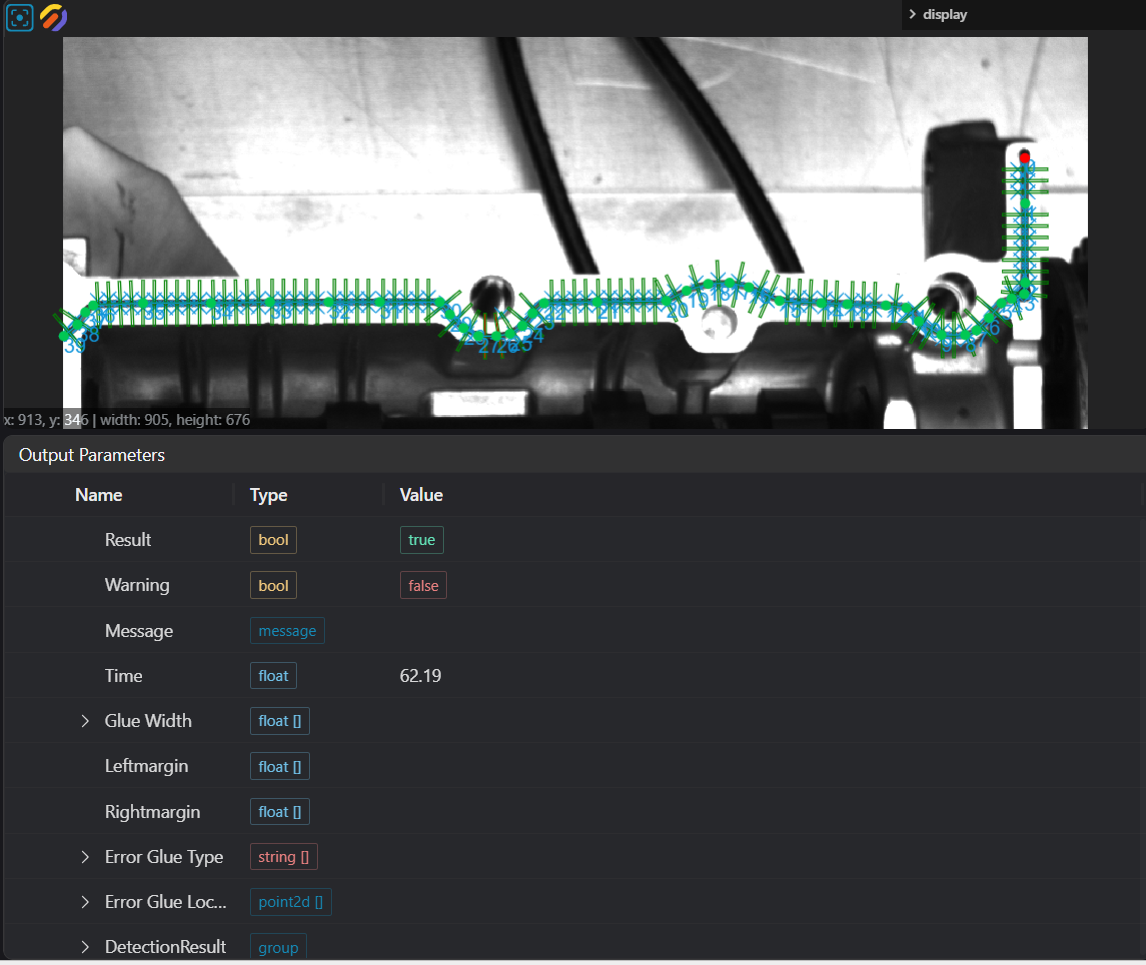
2D Glue Detection
Operator Function
Determine whether the glue path is qualified based on the given point set in the image.
Parameter Introduction
Input Parameters

| Parameter | Range | Default Value | Description | Illustration |
|---|---|---|---|---|
| Input Image | 0-8 | 0 | IM number for image input | |
Calculation Parameters
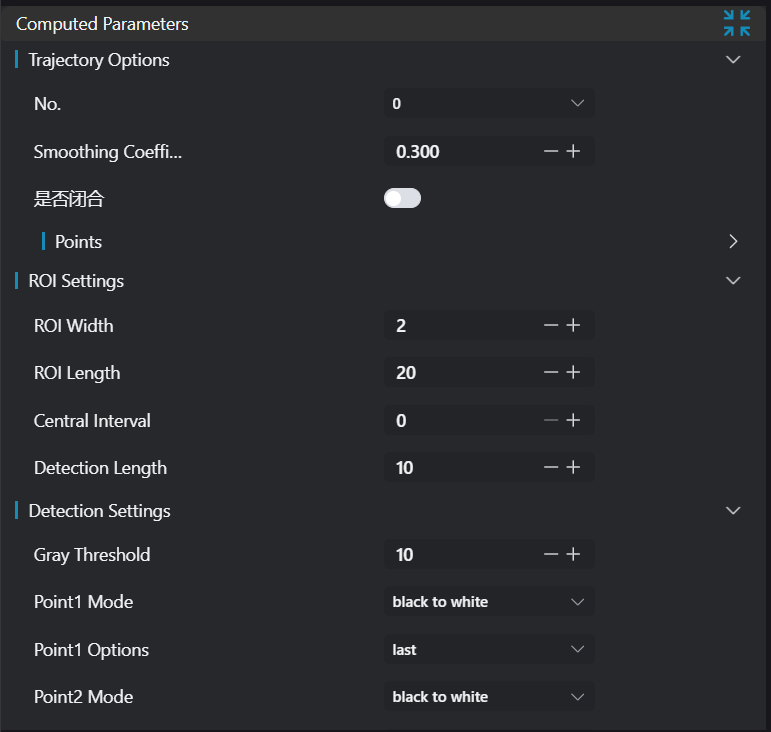
| Parameter | Range | Default Value | Description | Illustration |
|---|---|---|---|---|
| Trajectory Options | - | - | Trajectory calculation related parameter settings | |
| Smoothing Factor | 0.0-1.0 | 0.0 | Smoothness when fitting the trajectory | |
| Point Set X Coordinate | Any float | 0.0 | Horizontal coordinate value of the point | |
| Point Set Y Coordinate | Any float | 0.0 | Vertical coordinate value of the point | |
| ROI Width | 1-999 | 2 | Width of ROI | |
| ROI Length | 1-999 | 20 | Length of ROI | |
| Center Spacing | 0-999 | 2 | Spacing between ROI centers | |
| Detection Length | 1-999 | 10 | Length interval used for calculation | |
| Grayscale Threshold | 0-255 | 30 | Grayscale threshold for detecting edge strength | |
| Point 1 Mode | Black to White / White to Black | Black to White | Grayscale change direction for Point 1 | |
| Point 1 Option | First / Last / Best | Last | Selection method for Point 1 | |
| Point 2 Mode | Black to White / White to Black | Black to White | Grayscale change direction for Point 2 | |
| Point 2 Option | First / Last / Best | Last | Selection method for Point 2 | |
| Margin Detection | Enable/Disable | false | Whether to perform auxiliary detection of left and right margins | |
| Grayscale Threshold (Margin) | 0-255 | 30 | Grayscale threshold for margin detection | |
| Point 3 Mode | Black to White / White to Black | Black to White | Grayscale change direction for Point 3 | |
| Point 3 Option | First / Last / Best | Last | Selection method for Point 3 | |
| Point 4 Mode | Black to White / White to Black | Black to White | Grayscale change direction for Point 4 | |
| Point 4 Option | First / Last / Best | Last | Selection method for Point 4 | |
| Width Result Judgment | Enable/Disable | false | Whether to enable width compliance judgment | |
| Minimum Width | 0.001-1000.0 | 5.0 | Lower width limit | |
| Maximum Width | 0.001-1000.0 | 5.0 | Upper width limit | |
| Left Margin Result Judgment | Enable/Disable | false | Whether to enable left margin compliance judgment | |
| Minimum Left Margin | 0.001-1000.0 | 5.0 | Lower left margin width limit | |
| Maximum Left Margin | 0.001-1000.0 | 5.0 | Upper left margin width limit | |
| Right Margin Result Judgment | Enable/Disable | false | Whether to enable right margin compliance judgment | |
| Minimum Right Margin | 0.001-1000.0 | 5.0 | Lower right margin width limit | |
| Maximum Right Margin | 0.001-1000.0 | 5.0 | Upper right margin width limit |
Output Parameters
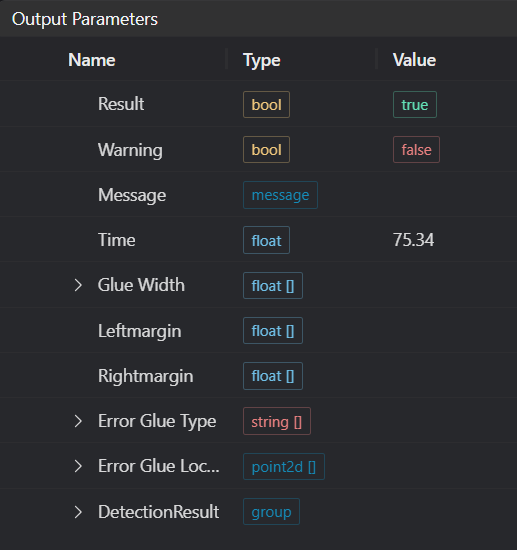
| Name | Type | Range | Description |
|---|---|---|---|
| Result | bool | true/false | true for success false for failure |
| Warning | bool | true/false | true indicates a warning false indicates no warning |
| Message | string | Output success, error, or warning messages. Empty if no error or warning. | |
| Time | float | Operator execution time, unit: ms | |
| Glue Width | float | Glue width | |
| Leftmargin | float | Left margin | |
| Rightmargin | float | Right margin | |
| Error Glue Type | string | Glue path error type | |
| DetectionResult | group | Glue detection result |
Exception Troubleshooting
| No. | Exception Information | Corresponding Parameter | Solution |
|---|---|---|---|
| 1 | Input image is empty | Check if the IM image is a 2D image or empty | |
| 2 | Insufficient glue path points | Point set | Number of glue path points must be greater than 2 |
Example Introduction
Engineering Design
Select the
Load Imagetool to load the required 2D image to IM0.Select the
2D Glue Detectiontool.
Tool Usage
Select the input image for the operation. The image number must match the IM number where the image is located in the project.
Move the points to the position to be measured, add judgment points on the glue path.
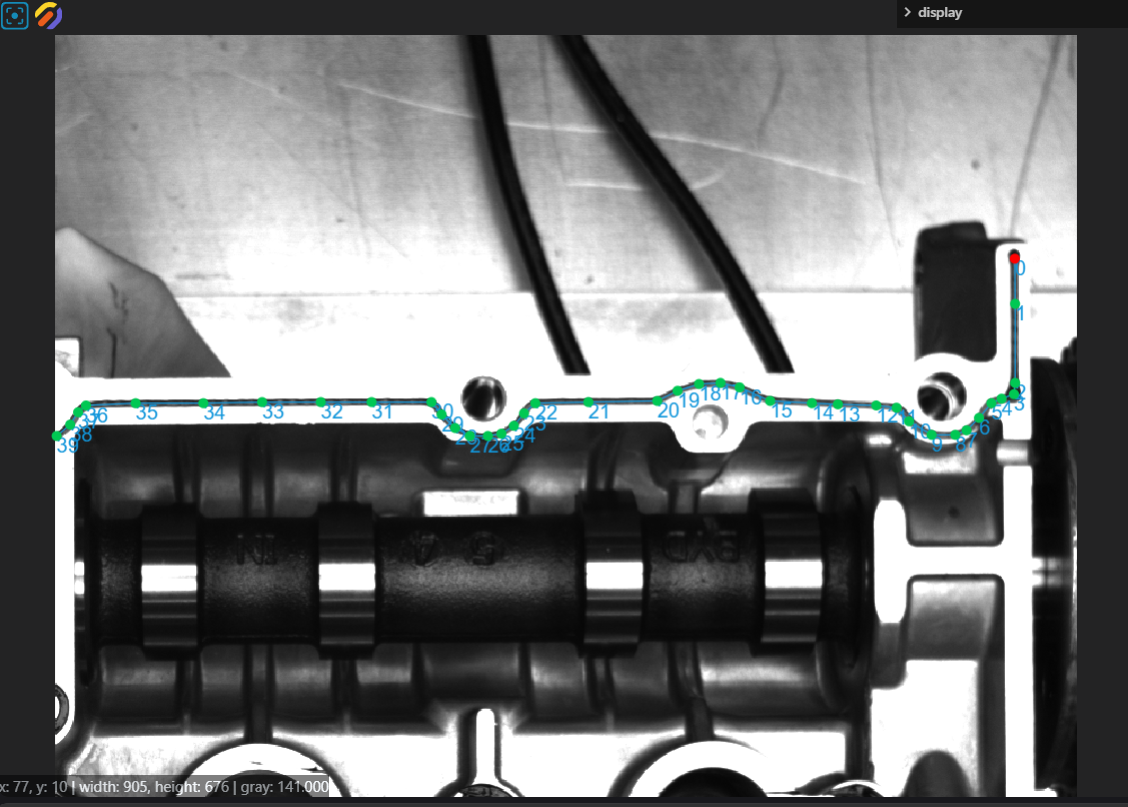
Set the parameters of the glue detection tool.
Click
Testto check if the image window and parameters meet expectations.If there are no issues, click
Save. Run the operator in the run list, and then view the running results in the corresponding IM.