3D Hole Filling
Function
Grid the input point cloud on the XOY plane, then perform linear interpolation on the point cloud height in the holes to fill the point cloud in the holes. 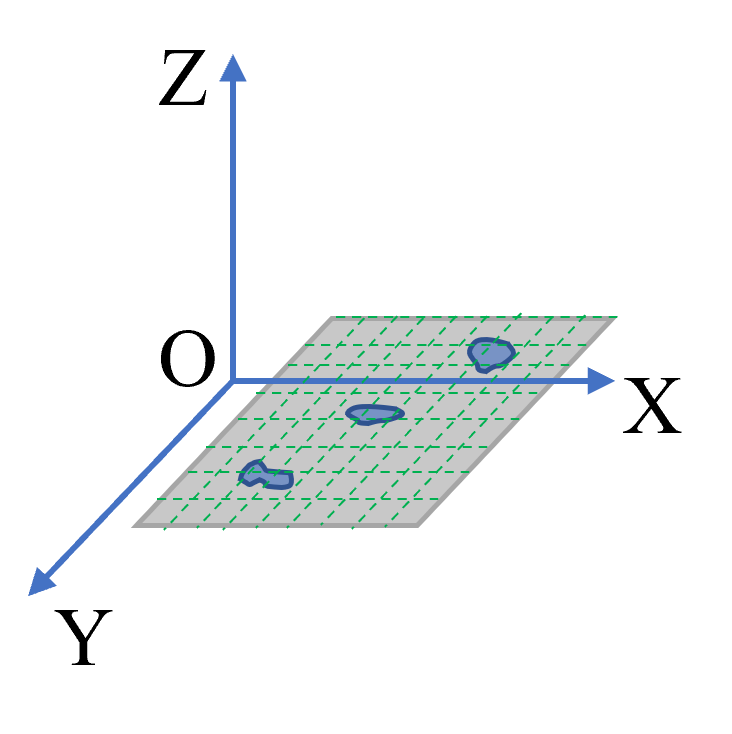
Parameter Introduction
Input Parameters

| Parameter | Range | Default Value | Description | Illustration |
|---|---|---|---|---|
| Input Image | 0-8 | 0 | IM number for image input | |
Calculation Parameters
| Parameter | Range | Default Value | Description | Illustration |
|---|---|---|---|---|
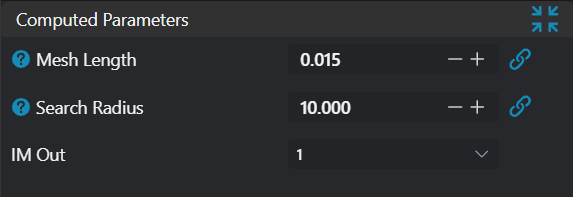
| Grid Length | 0.050 | Set the side length for grid division. Smaller values represent finer grid division, but processing time increases accordingly. Larger values result in larger grid divisions, showing an effect similar to downsampling. | 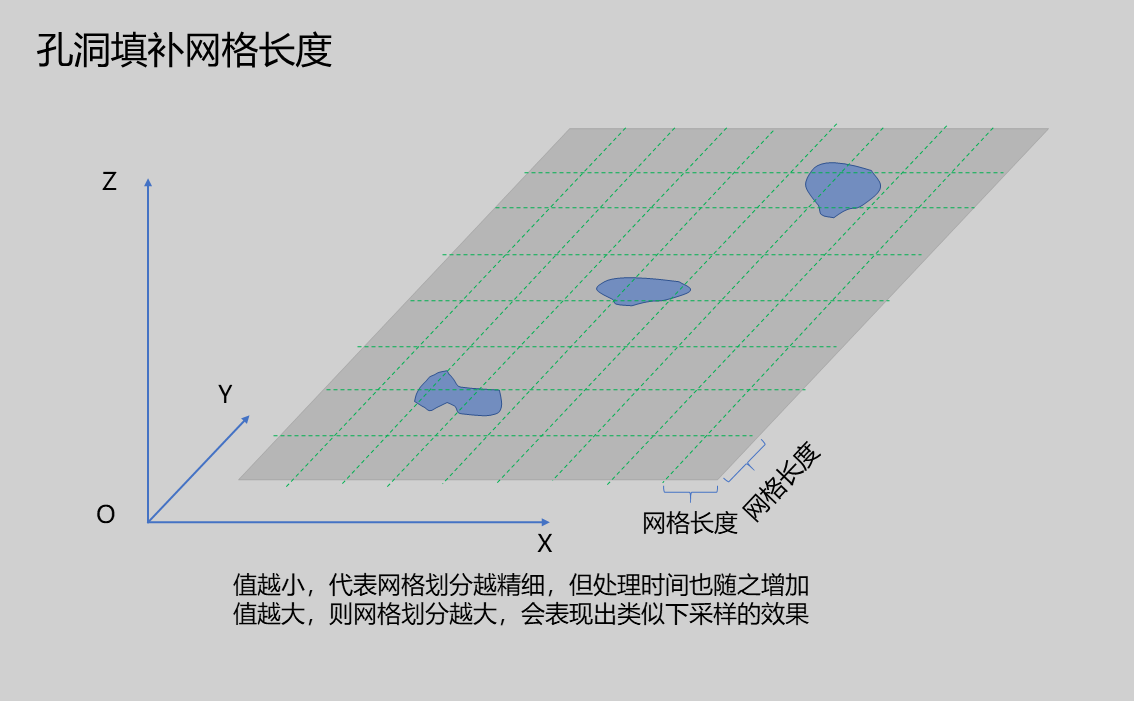 | |
| Search Radius | 5.000 | In the gridded point cloud, the search radius when searching for valid points around hole points. The larger this value, the greater the influence of surrounding points on the hole point. | 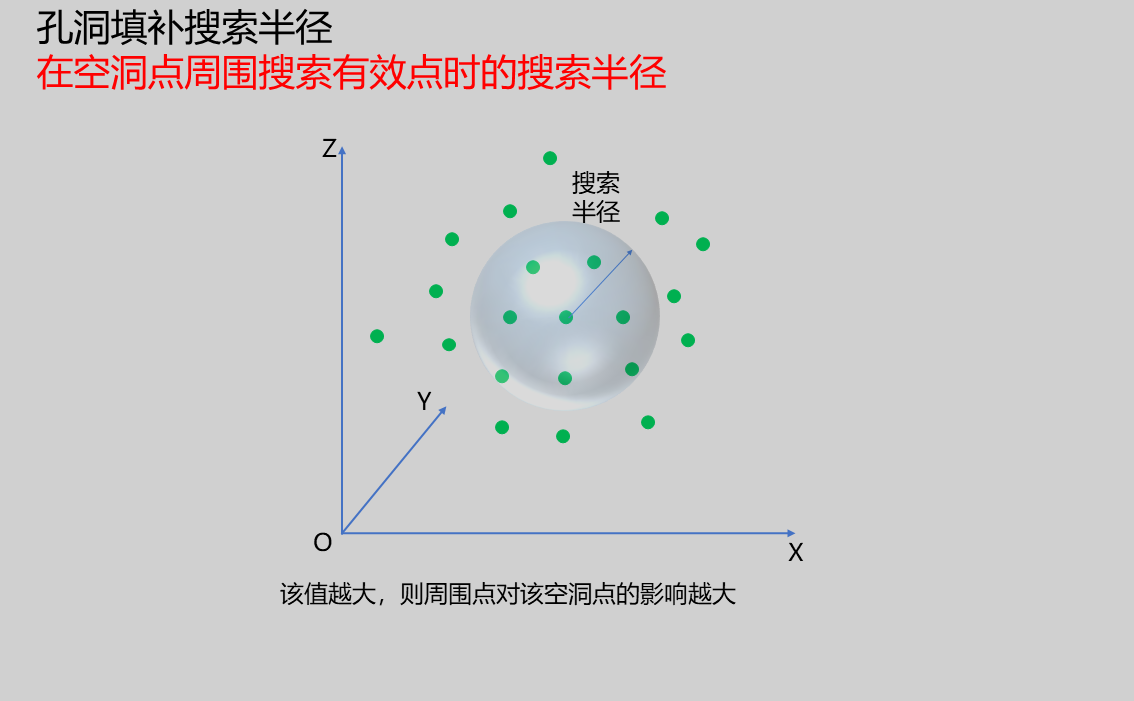 | |
| Output Image | 0-8 | 0 | IM number for image output |
Output Parameters
| Name | Type | Range | Description |
|---|---|---|---|
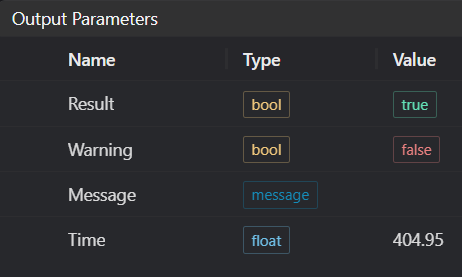
| Result | bool | true/false | true for success false for failure |
| Warning | bool | true/false | true indicates a warning false indicates no warning |
| Message | string | Output success, error, or warning messages. Empty if no error or warning. | |
| Time | float | Operator execution time, unit: ms |
Exception Troubleshooting
| No. | Exception Information | Corresponding Parameter | Solution |
|---|---|---|---|
| 1 | Input value is {0}, please increase the grid length parameter value | Grid Length | Increase grid length => point cloud distance |
| 2 | Point cloud hole filling failed | Check if input point cloud is empty |
Example Introduction
Engineering Design
Select the
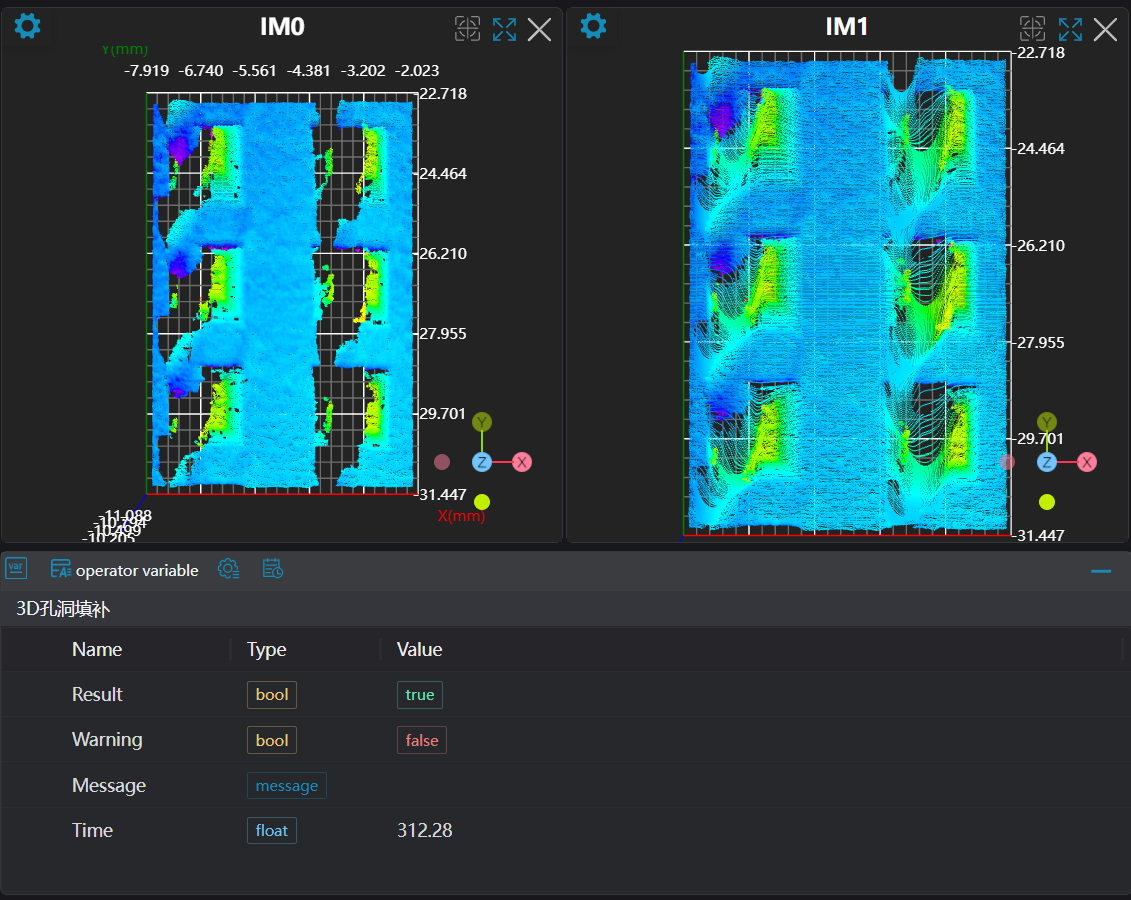
Load 3D Point Cloudtool to load the required 3D point cloud image to IM0.Select the
3D Hole Fillingtool.
Tool Usage
Select the input image for the operation. The image number must match the IM number where the image is located in the project.
Set the parameters.
Click
Testto check if the image window and parameters meet expectations.If there are no issues, click
Save. Run the operator in the run list, and then view the running results in the corresponding IM.