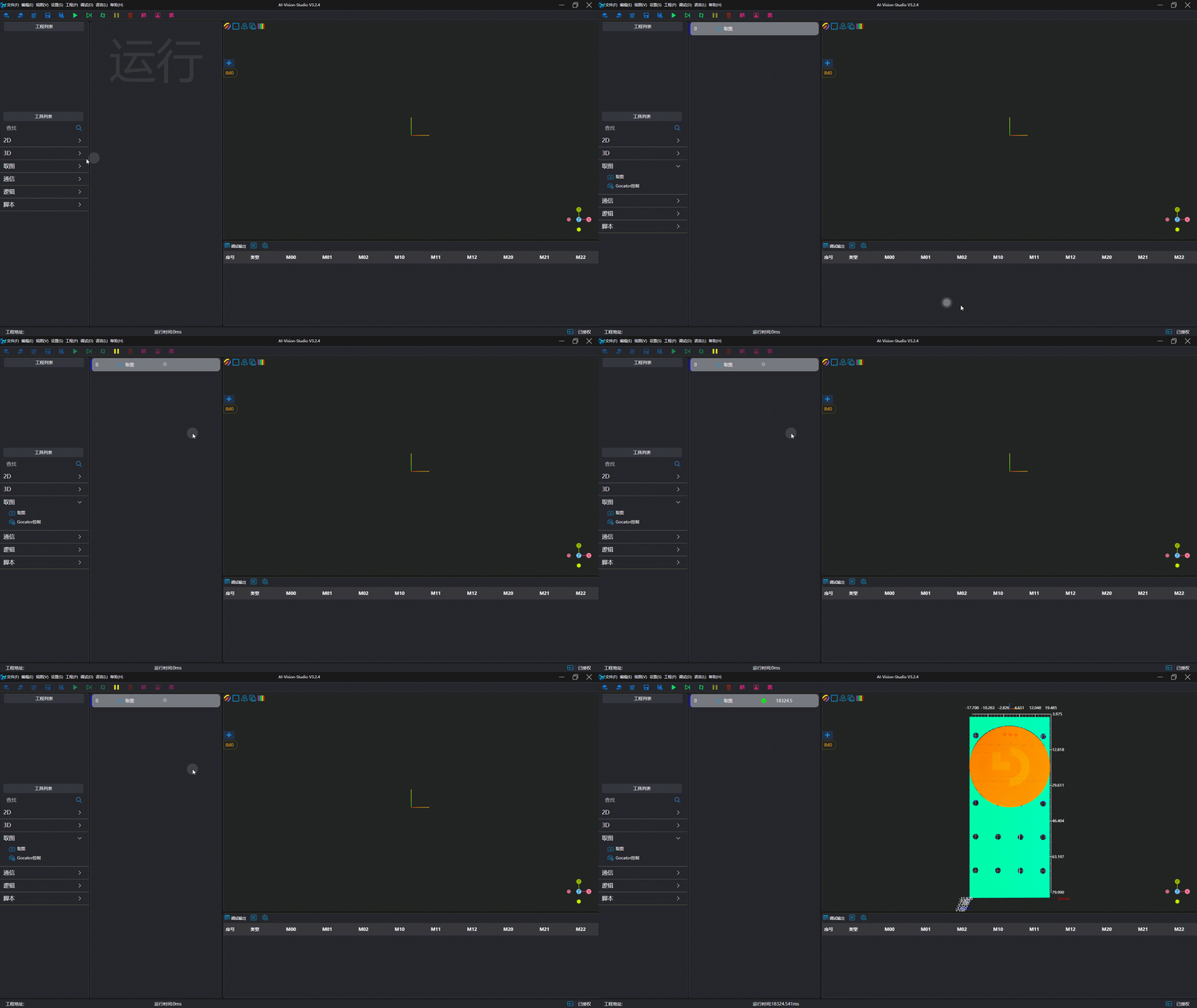
Hikrobot 3D Laser Profile Sensor
Note
Mv3dLpSDK is required. Installation method:
- Install 3DMVS
- Install Mv3dLpSDK. The installation package is located at
<3DMVS Installation Directory>\Development\Mv3dLpSDK\Runtime\Mv3dLpSDK_<Version>_Runtime.exe
| Parameter | Type | Description | Dependency |
|---|---|---|---|
| Serial Number | Enumeration | Specify the serial number of the camera | |
| Software Trigger | Boolean (Switch) | Set whether software trigger is required for image capture | |
| Remove Invalid Points | Boolean (Switch) | Set whether to enable the function of removing invalid points; an unordered point cloud will be output after removing invalid points |
Camera Usage
Camera Preparation
- Ensure the IP address of the camera controller and the network card IP address are in the same subnet.
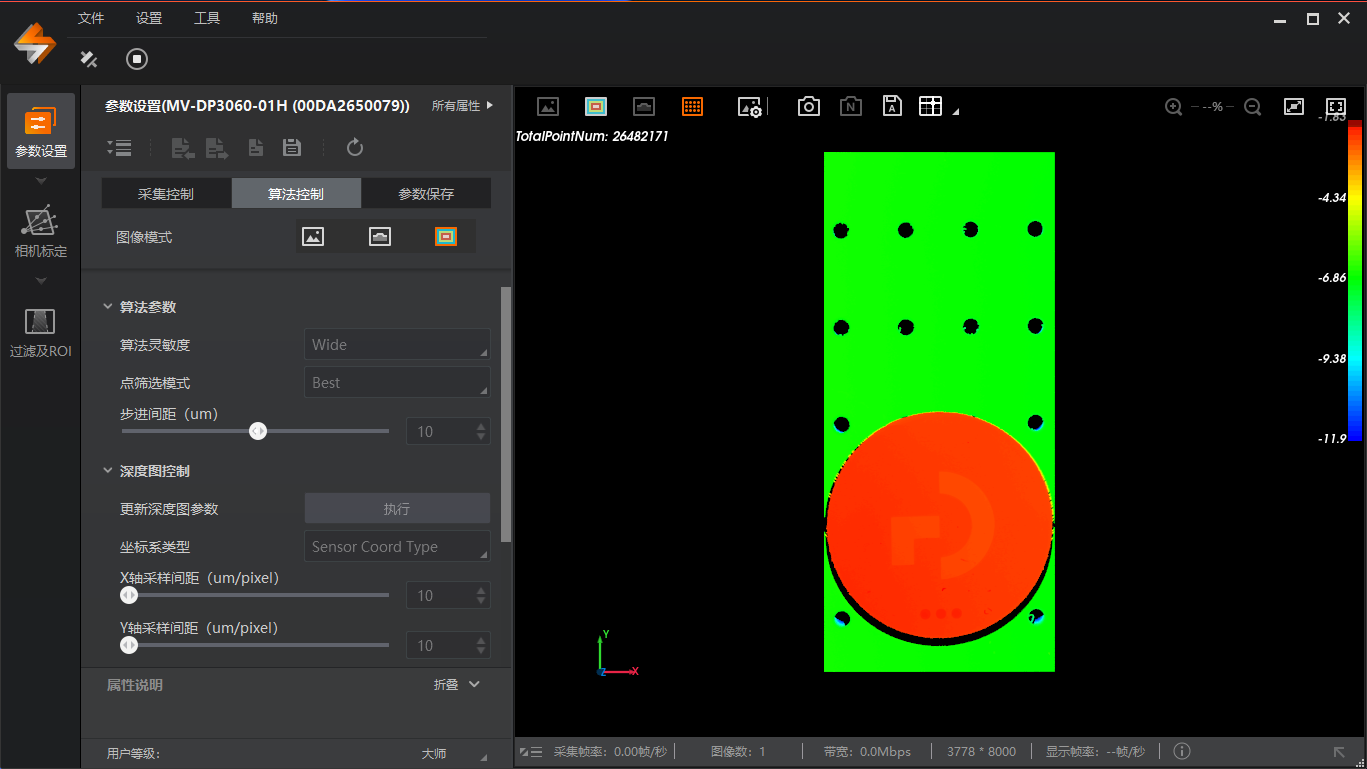
- Verify that images can be captured using the official camera software and meet the desired results.
- Save the camera parameters.
Add and Connect Device
Tip
Please close the official image capture software before connection to avoid mutual interference.
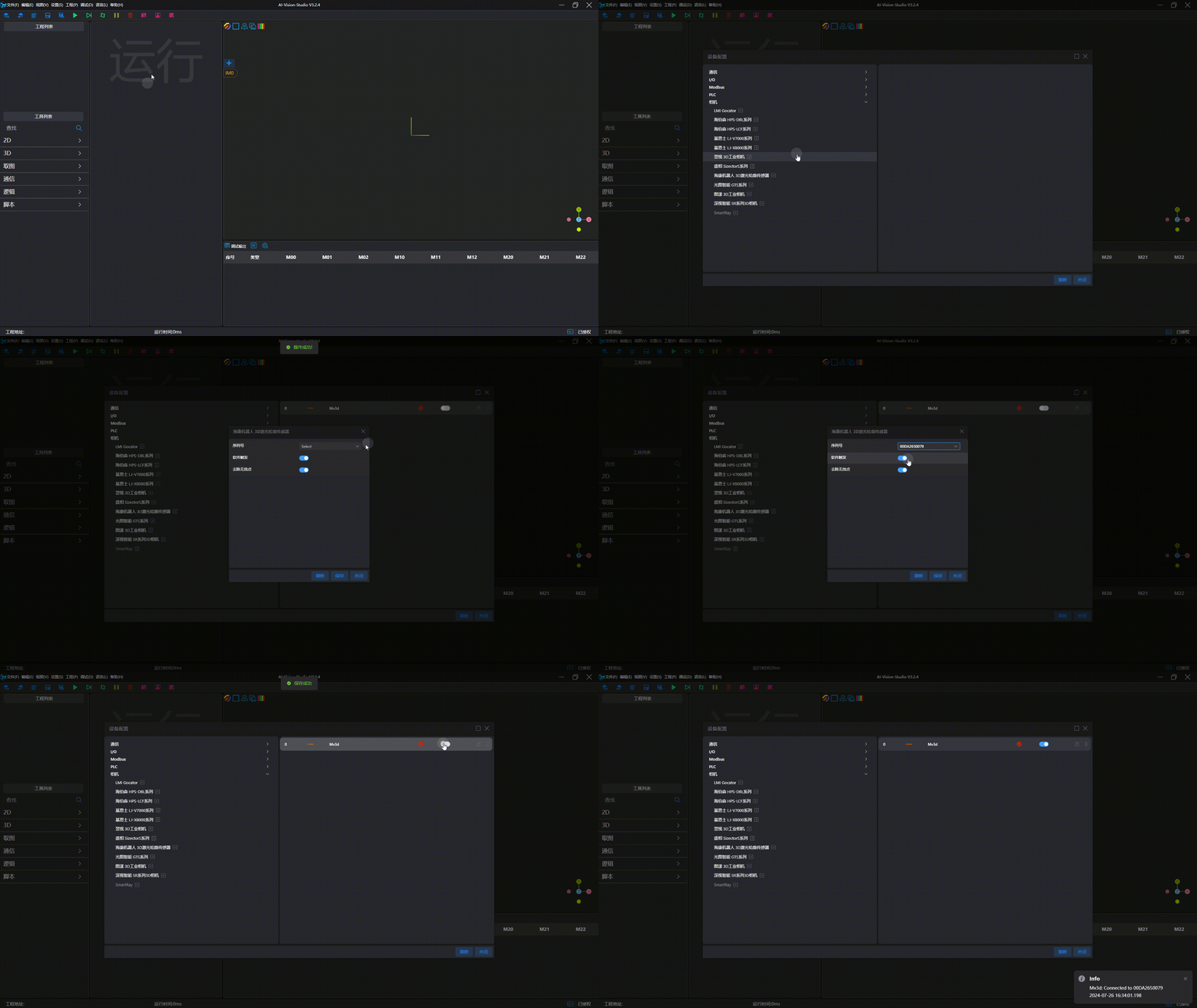
Image Capture Test