3D Point Cloud Operations
Operator Function
Perform operations on multiple point clouds to output a new point cloud.
Parameter Introduction
Input Parameters
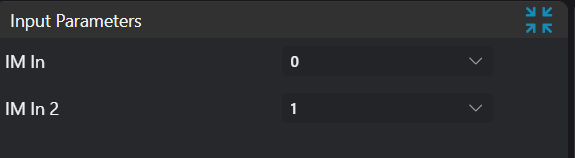
| Parameter | Range | Default Value | Description | Illustration |
|---|---|---|---|---|
| Input Image | 0-8 | 0 | The IM number for image input | |
| Input Image 2 | 0-8 | 1 | The IM number for image input | |
Calculation Parameters
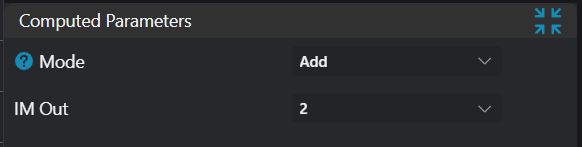
| Parameter | Range | Default Value | Description | Illustration |
|---|---|---|---|---|
| Mode | Point Cloud Union/Point Cloud Intersection/Point Cloud Difference | Point Cloud Union | Point Cloud Union: Calculate the union of input point clouds. Point Cloud Intersection: Calculate the intersection of input point clouds. Point Cloud Difference: Subtract points common with the second point cloud from the first point cloud; the remaining part of the first point cloud becomes the output. | 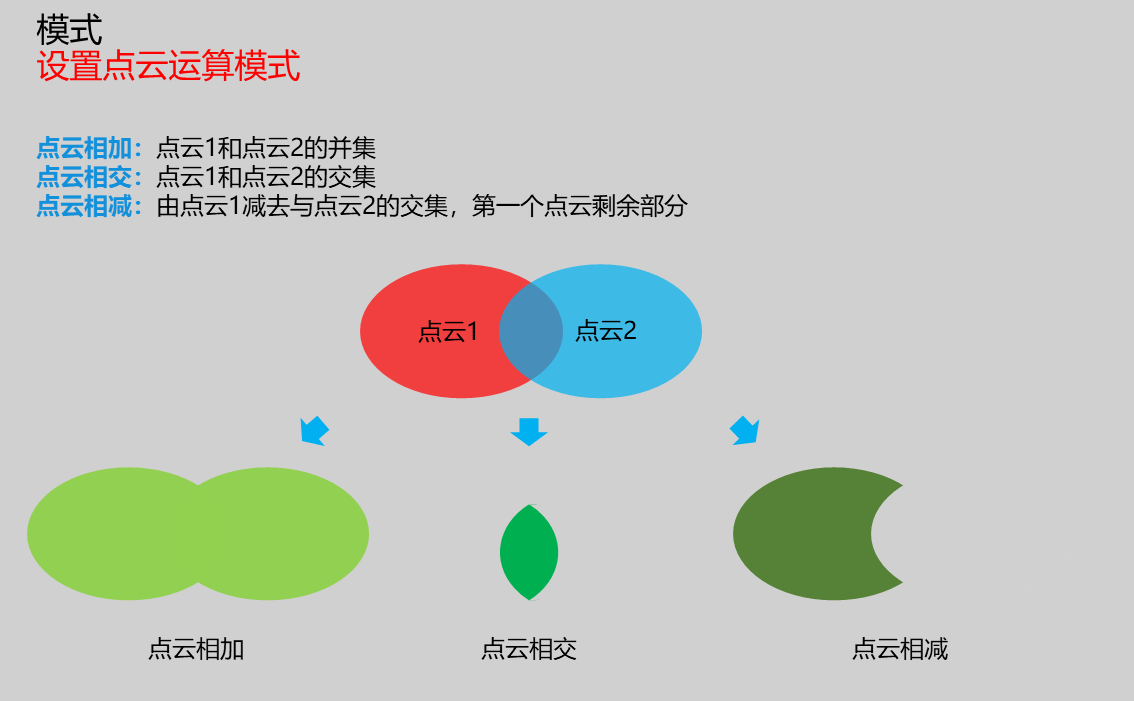 |
| Output Image | 0-8 | 2 | The IM number for image output |
Output Parameters
| Name | Type | Range | Description |
|---|---|---|---|
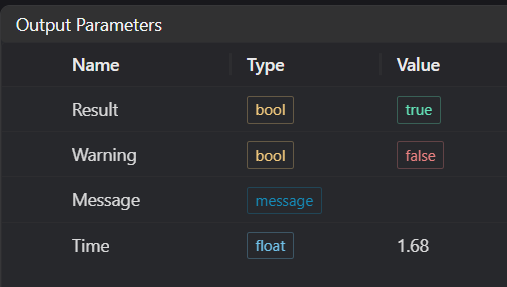
| Result | bool | true/false | true for success false for failure |
| Warning | bool | true/false | true indicates there is a warning false indicates there is none |
| Message | string | Outputs success, error, or warning information; if there is no error or warning, it is empty | |
| Time | float | Operator execution time, unit: ms |
Tip
For more detailed explanations of parameter types, please refer to Type Definitions
Exception Troubleshooting
| No. | Exception Information | Corresponding Parameter | Solution |
|---|---|---|---|
| 1 | Input point cloud is empty | Confirm if IM contains valid points; if no valid points, load point cloud or switch to IM with valid points | |
| 2 | Input point cloud operation type is {0}, invalid operation type | Mode must be one of: Union/Intersection/Difference | |
| 3 | Output point cloud is empty | Adjust input point clouds or operation mode |
Example Introduction
Engineering Design
Select the
Load Point Cloudtool to load the first 3D point cloud image into IM0;Select the
Load Point Cloudtool to load the second 3D point cloud image into IM1;Select the
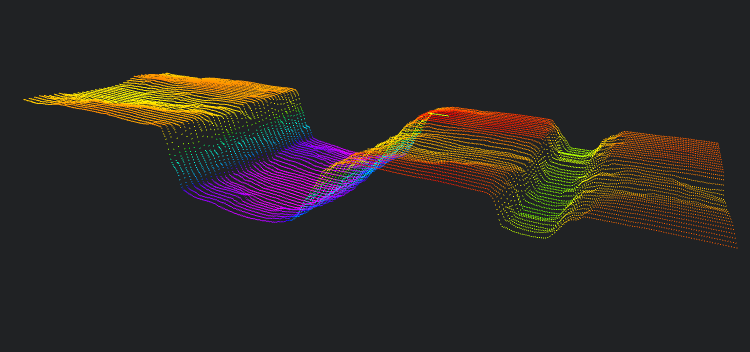
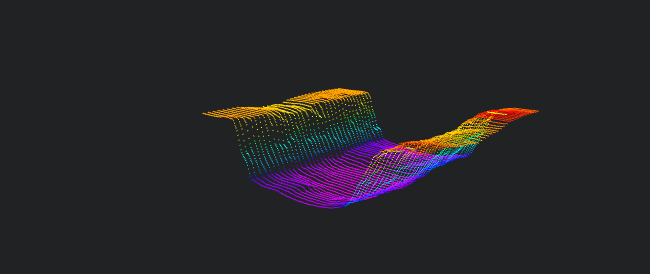
3D Point Cloud Operationstool to performPoint Cloud Union,Point Cloud Intersection, andPoint Cloud Differenceoperations respectively.
Tool Usage
- Select the input images for operation; the image numbers must match the IM numbers where the images are located in the project.
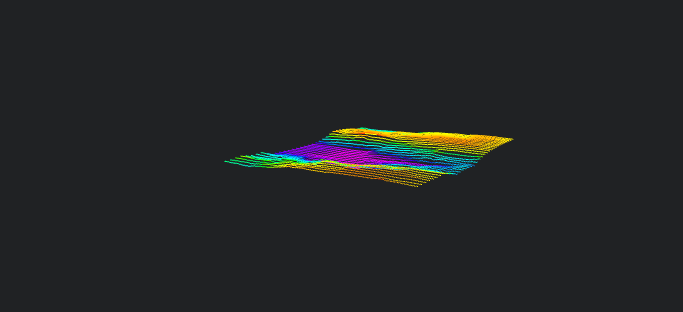
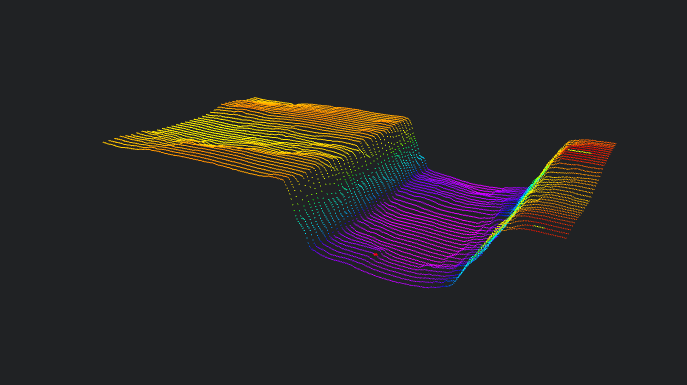
Input Point Cloud 1:
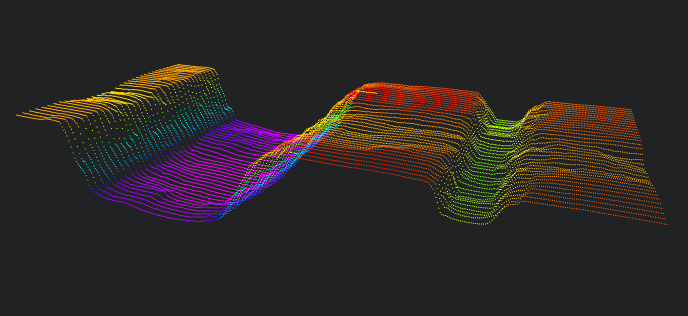
Input Point Cloud 2:
Set parameters
Click
Testto check if the image window and parameters meet expectationsIf there are no issues, click
Save, then run the operator in the run list to view the results in the corresponding IM
Union:
Intersection:
Difference: