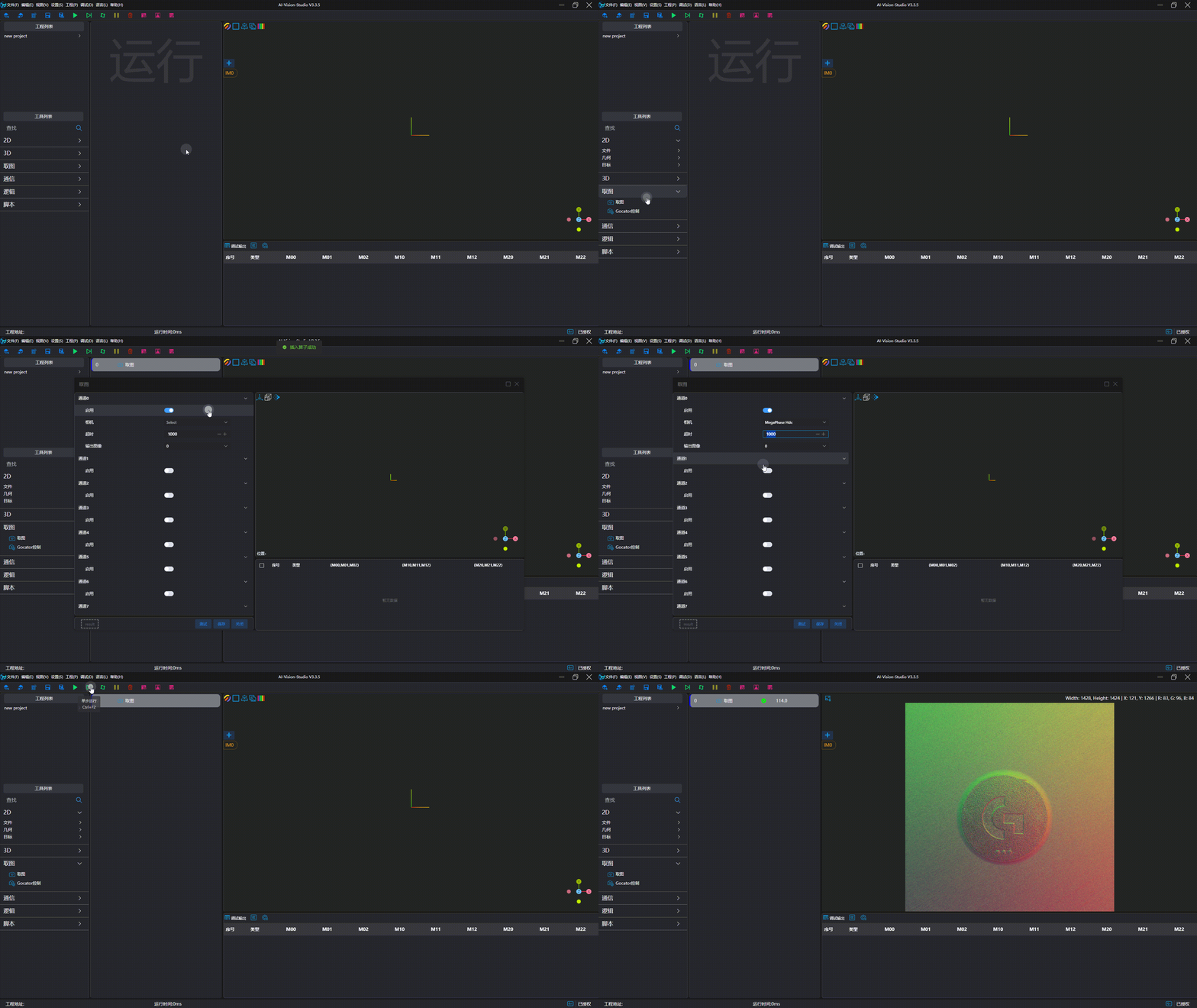
Shengxiang Hdc Series
| Parameter | Type | Description | Dependency |
|---|---|---|---|
| Serial Number | Enumeration | Specify the serial number of the camera | |
| Software Trigger | Boolean (Switch) | Set whether software trigger is required for image capture | |
| Mode | Enumeration | Set the image capture mode: Black and White 2D, Color 2D, Photometric Stereo | |
| Channel | Enumeration | Set the output channel for photometric stereo |
Camera Usage
Camera Preparation
- Ensure the camera USB is connected.
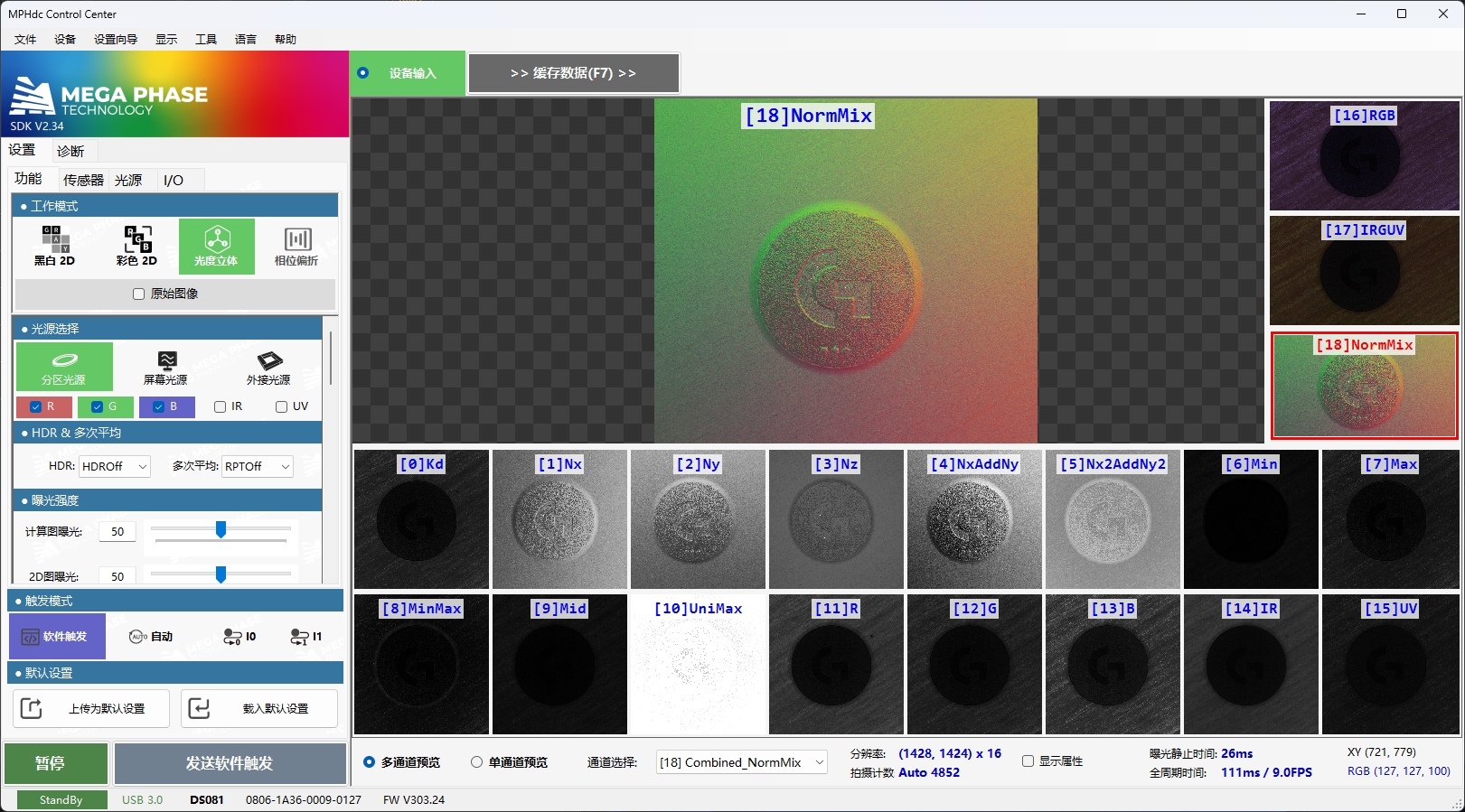
- Verify that images can be captured using the official camera software and meet the desired results.
Add and Connect Device
Tip
Please close the official image capture software before connection to avoid mutual interference.
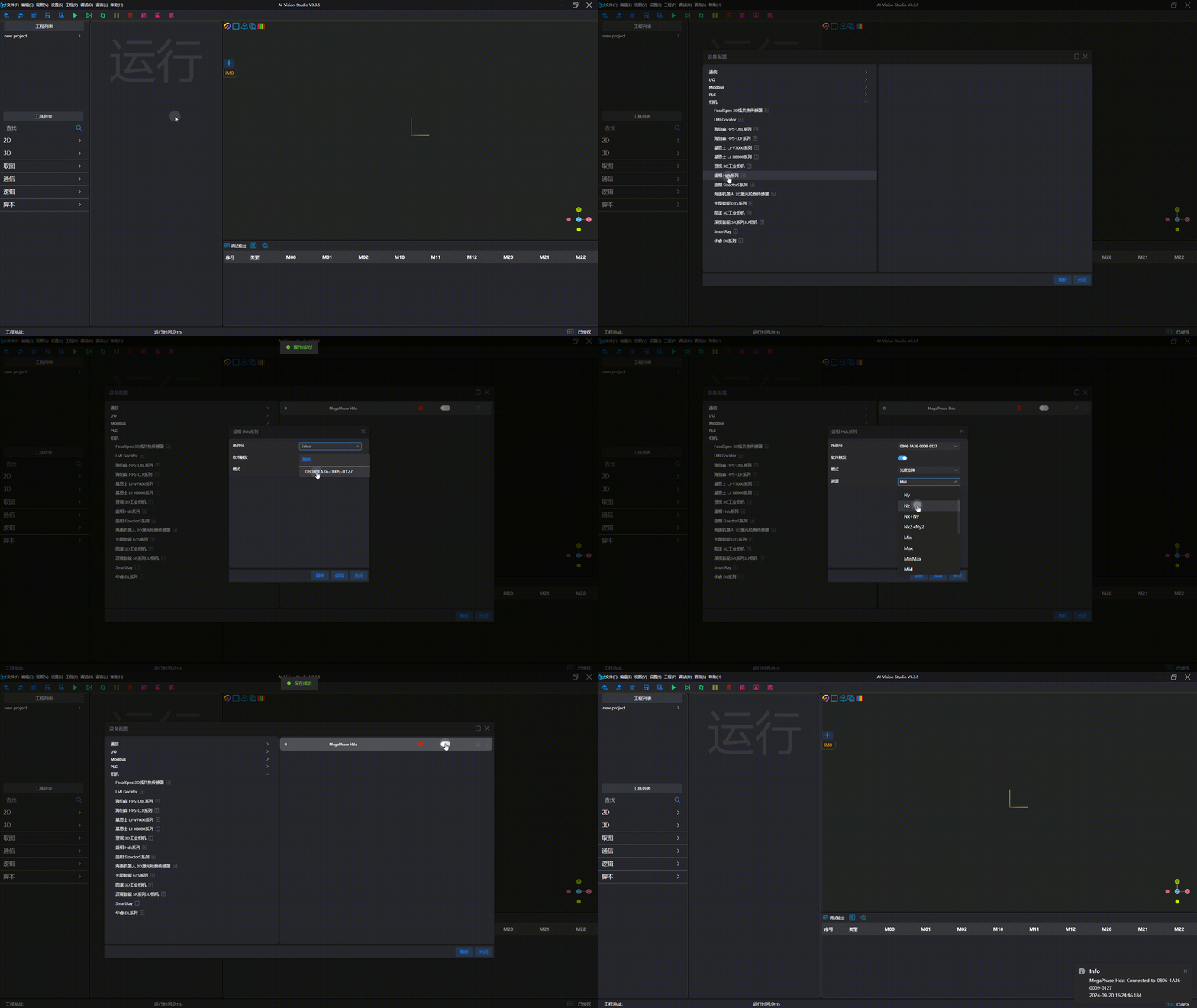
Image Capture Test