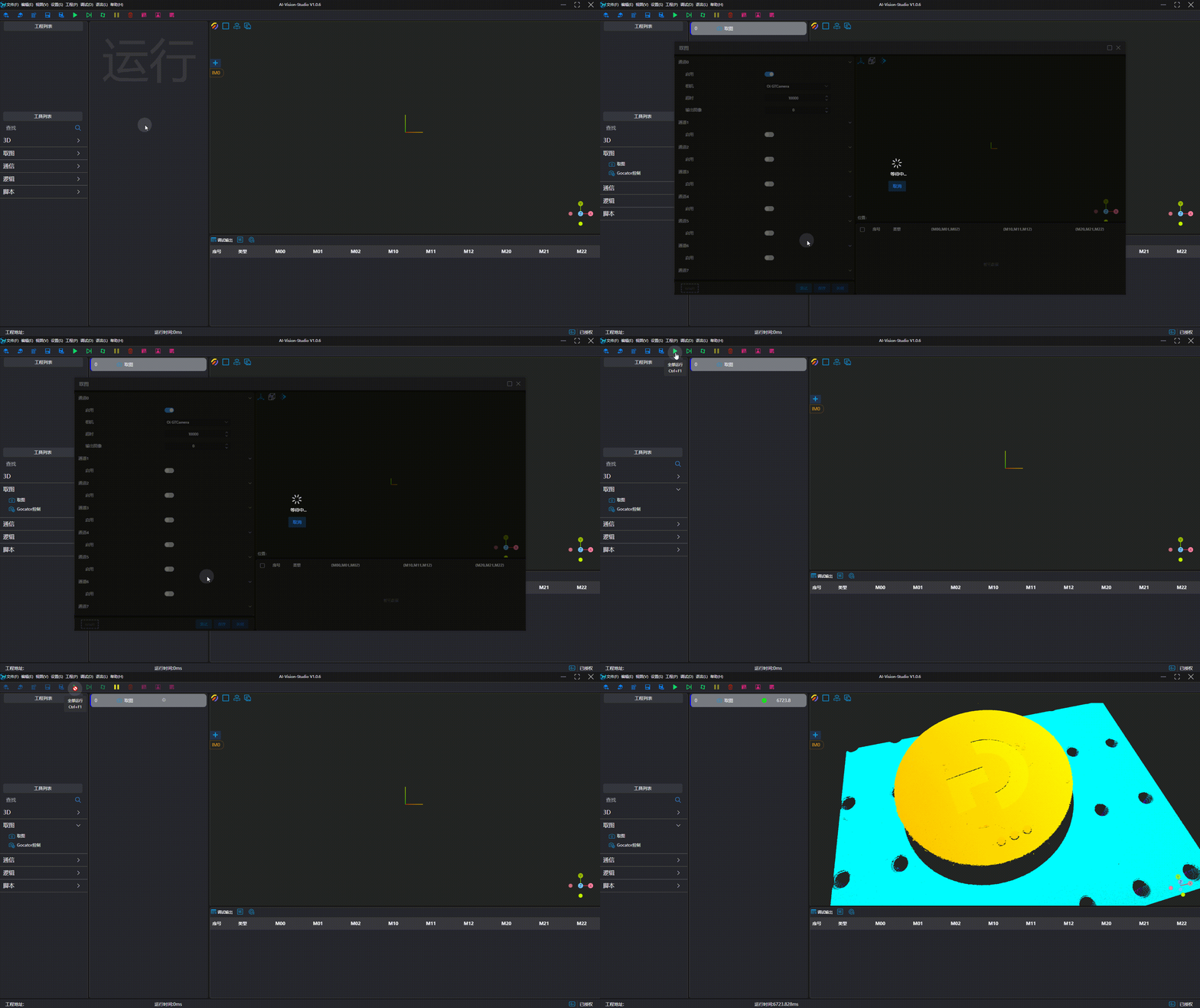
Guangtu Intelligent GTS Series
| Parameter | Type | Description | Dependency |
|---|---|---|---|
| Serial Number | Enumeration | Specify the serial number of the camera | |
| Software Trigger | Boolean (Switch) | Set whether software trigger is required for image capture | |
| Number of Rows | Integer | Set the number of rows for point cloud generation | |
| Uniform Spacing | Boolean (Switch) | Set whether to output the point cloud image after uniform spacing | |
| X-axis Point Spacing | Float | Specify the X-axis point spacing after uniform spacing | Uniform Spacing = On |
| Y-axis Point Spacing | Float | Specify the Y-axis point spacing | |
| Remove Invalid Points | Boolean (Switch) | Set whether to enable the function of removing invalid points; an unordered point cloud will be output after removing invalid points |
Camera Usage
Camera Preparation
- Ensure the camera IP address and the network card IP address are in the same subnet.
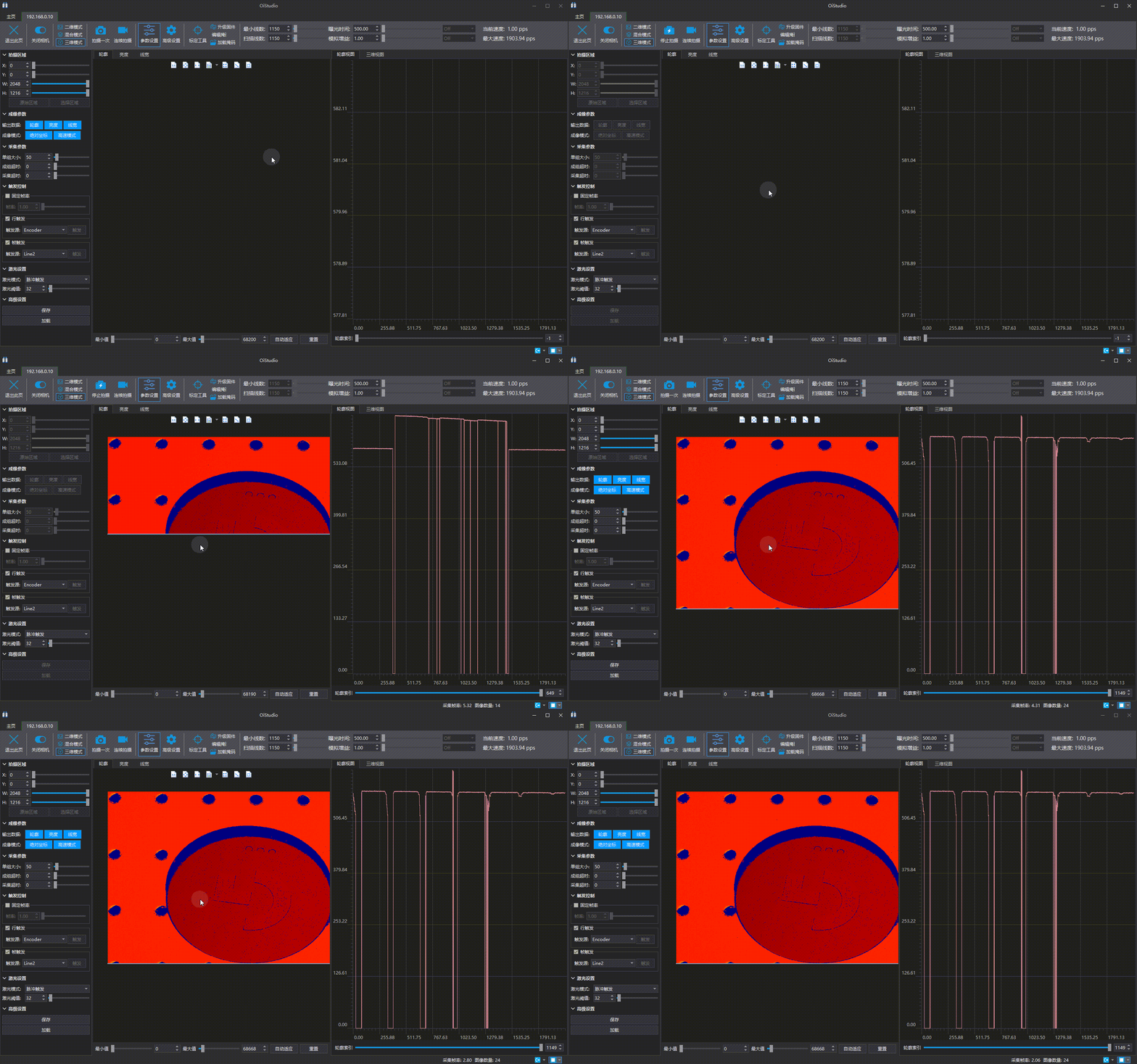
- Verify that images can be captured using the official camera software and meet the desired results.
Add and Connect Device
Tip
Please close the official image capture software before connection to avoid mutual interference.
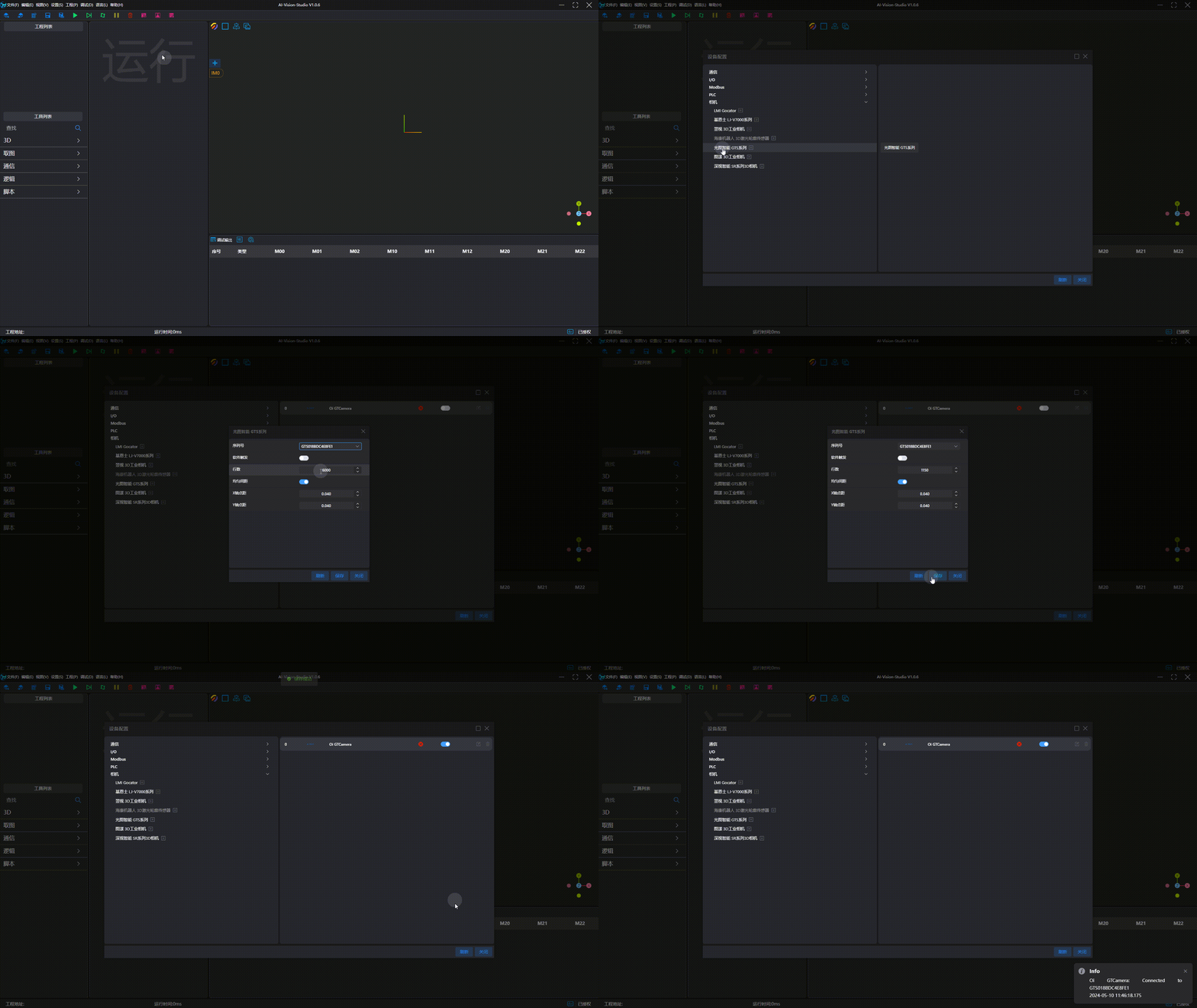
Tip
If the desired serial number is not in the serial number option list, you can wait for a moment and click Refresh, or re-enter the configuration interface. If it is still not found after multiple attempts, please ensure the camera is connected to the PC and the camera IP address is in the same subnet as the network card IP address.
Image Capture Test