3D Coordinate Transformation - Eye-in-Hand
Operator Function
Convert position and orientation information from the input camera coordinate system to obtain position and orientation information in the robot base coordinate system.
Parameter Introduction
Input Parameters

| Parameter | Range | Default Value | Description | Illustration |
|---|---|---|---|---|
| Input Image | 0-8 | 0 | IM number for image input | |
Calculation Parameters
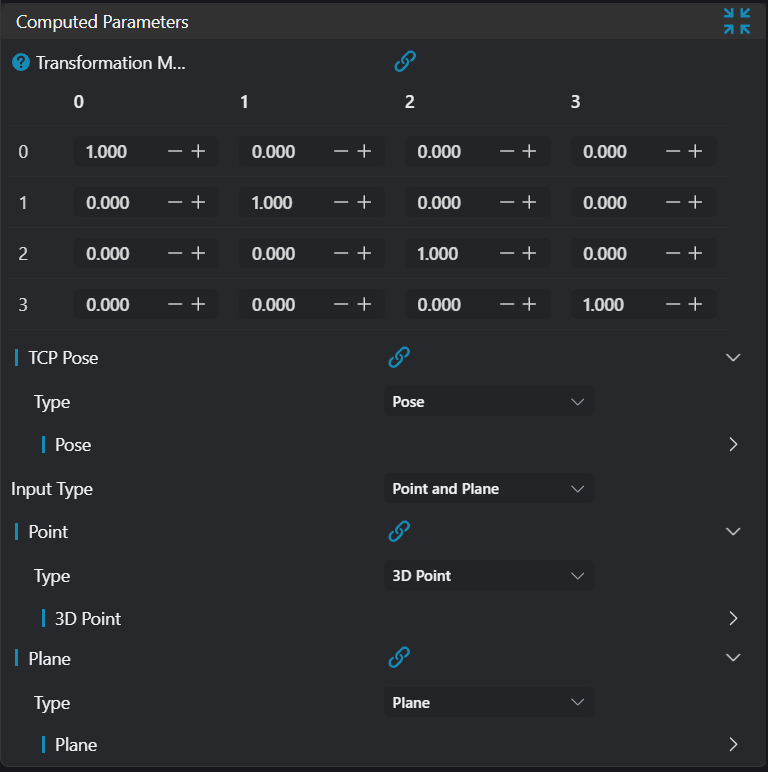
| Parameter | Range | Default Value | Description | Illustration |
|---|---|---|---|---|
| Transformation Matrix | Transformation matrix from camera coordinate system to gripper coordinate systemCan bind to select existing matrix | 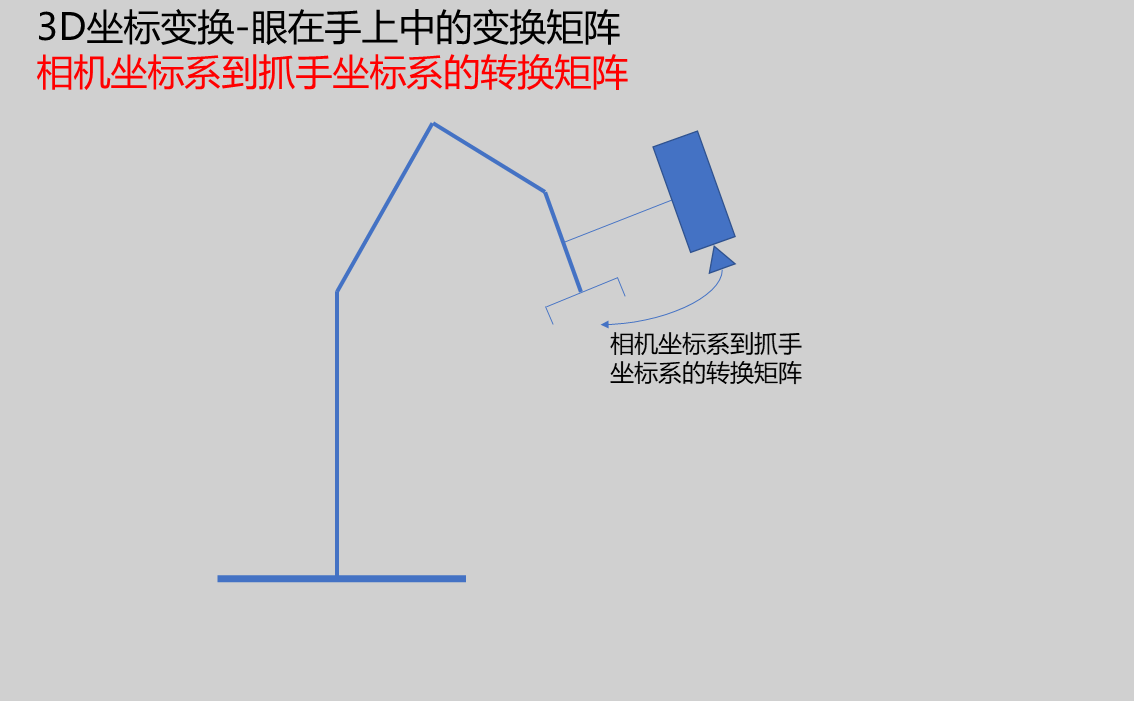 | ||
| TCP Pose | pose | pose | Tool center point pose corresponding to when the camera captures the imageCan bind to select existing posePosition: TCP position information, unit: millimeterOrientation: TCP direction information | |
| Input Type | Point-Plane/Circle | Point-Plane | Set the data type to be transformed Point-Plane: Position information provided by point coordinates, orientation information provided by plane normal vector Circle: Position information provided by circle center coordinates, orientation information provided by direction vector | |
Input point coordinatesCan bind to select existing point | ||||
| Plane | Input plane normal vectorCan bind to select existing plane | |||
| Circle | Input circle parametersCan bind to select existing circle |
Output Parameters
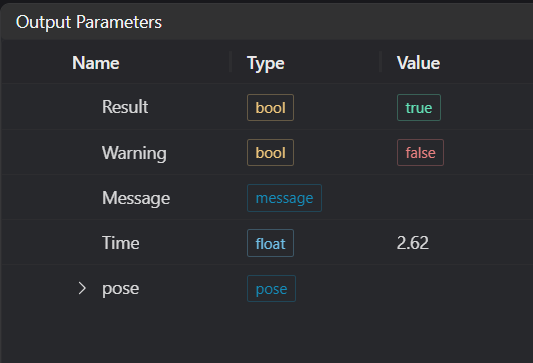
| Name | Type | Range | Description |
|---|---|---|---|
| Result | bool | true/false | true for success false for failure |
| Warning | bool | true/false | true indicates a warning false indicates no warning |
| Message | string | Output success, error, or warning messages. Empty if no error or warning. | |
| Time | float | Operator execution time, unit: ms | |
| pose | pose | Transformed pose information, pose consists of position and quaternion |
Exception Troubleshooting
| No. | Exception Information | Corresponding Parameter | Solution |
|---|---|---|---|
| 1 | Calibration matrix size error | Check if the calibration matrix is 4x4 in size |
Example Introduction
Engineering Design
- Select the
Load 3D Point Cloudoperator. - Select the
3D Holeoperator to find the pose information of the target position. - Select the
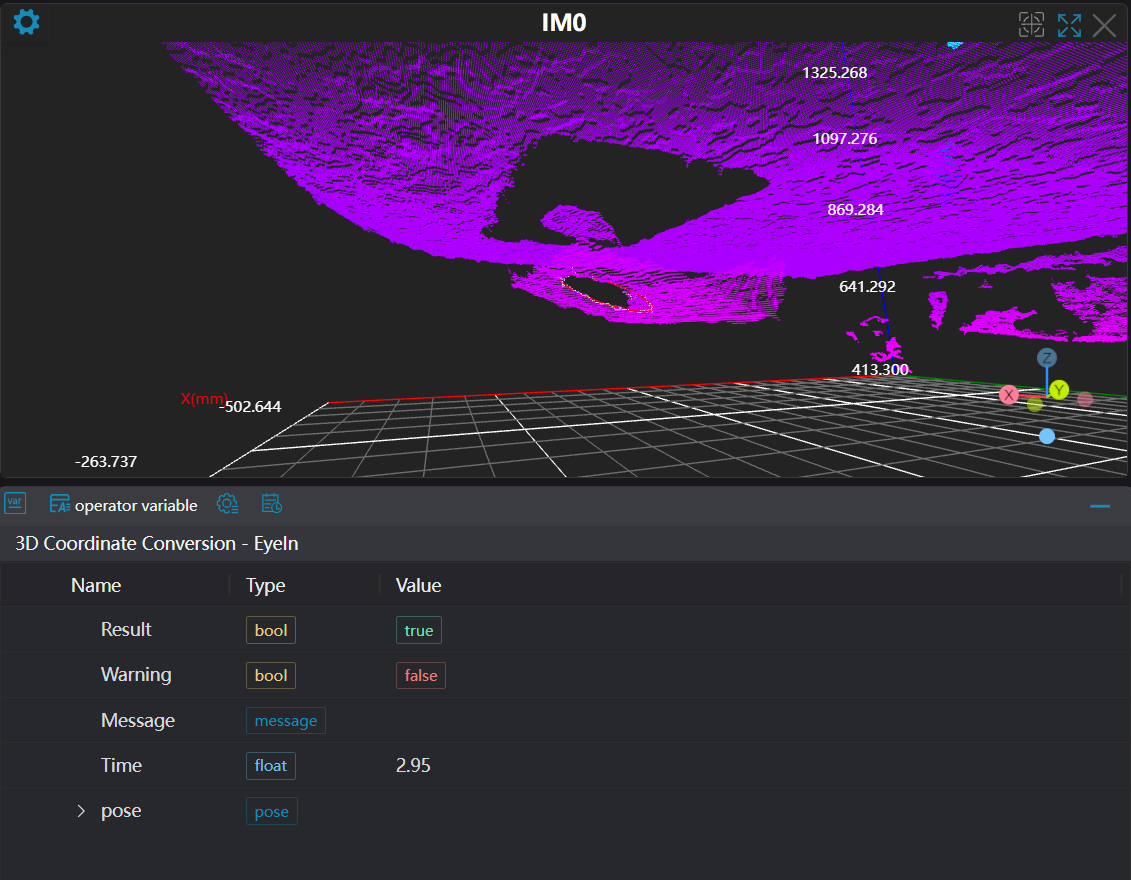
3D Coordinate Transformation - Eye-in-Handoperator to transform the original position and orientation, outputting the pose in the target coordinate system.
Tool Usage
Set the IM number of the input image.
Set the parameters.
Click
Testto view the results.If there are no issues, click
Save. Run the operator in the run list, and then view the running results.