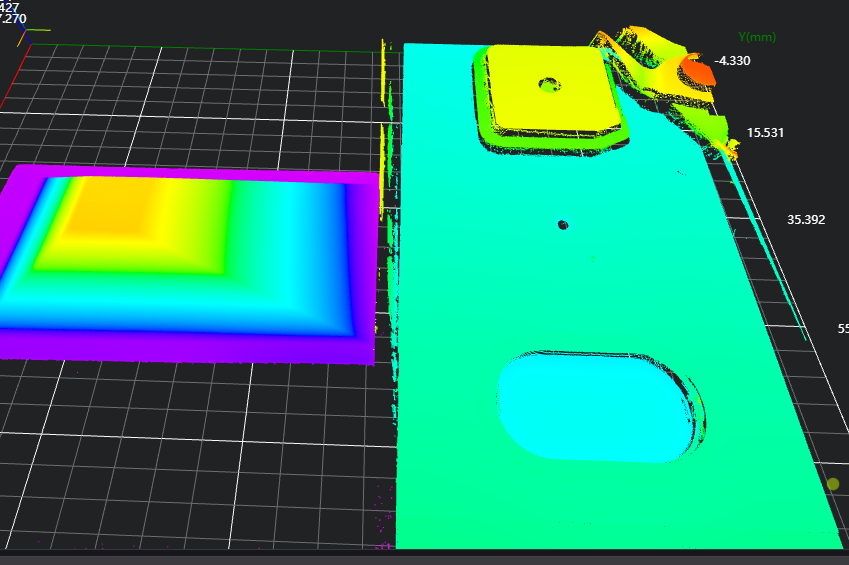
Calibration File Stitching
Operator Function
Read stitching matrix information from Json files, stitch multiple point clouds, remove duplicates, and output to the specified IM number.
Parameter Introduction
Calculation Parameters
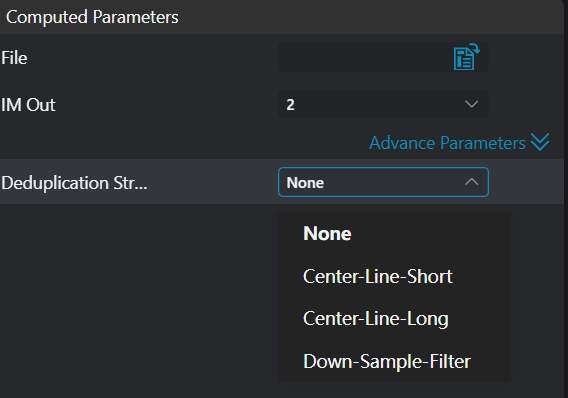
| Parameter | Range | Default Value | Description | Illustration |
|---|---|---|---|---|
| File Path | Input path of calibration file (only supports .json files) |  | ||
| Output Image | 0-8 | 2 | The IM number for image output |  |
| Deduplication Method | No Deduplication/Short Centerline Deduplication/Long Centerline Deduplication/Downsampling Deduplication | No Deduplication | Short Centerline Deduplication: Use the centerline of the shorter side of the calibration block as the dividing line for deduplication Long Centerline Deduplication: Use the centerline of the longer side of the calibration block as the dividing line for deduplication Downsampling Deduplication: Use downsampling method for deduplication | |
| Resolution | 0-10 | 0.01 | Downsampling resolution |  |
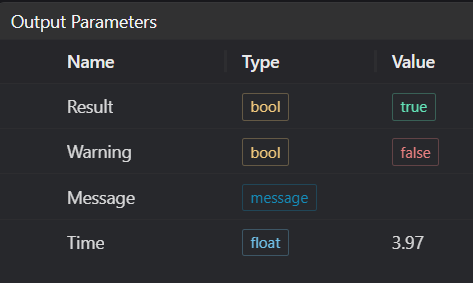
Output Parameters
Exception Troubleshooting
| No. | Exception Information | Corresponding Parameter | Solution |
|---|---|---|---|
| 1 | Parameter "{0}" missing or invalid | File Name | Check if file path is correct |
| 2 | Failed to load JSON data | Check if file is a Json file | |
| 3 | Missing total_numbers key in file | Json file missing total_numbers information (robustness content) |
Example Introduction
Engineering Design
Select the
Load Point Cloudtool to load the 3D point cloud image to be processed into the corresponding IM number.Select the
Calibration File Stitchingtool.
Tool Usage
Import the corresponding stitching Json file.
Select the corresponding output IM number.
Choose the deduplication method and configure the corresponding deduplication parameters.
Click
Testto check if the image window and parameters meet expectations.If there are no issues, click
Save, then run the operator in the run list to view the results in the corresponding IM.