Terminal Height Measurement
Project Background
Measurement Background
To ensure the quality and safety of product terminals and optimize their performance, manufacturers need to strictly control every step of the production process, including the dimensional precision of terminals. 3D terminal height detection aims to achieve precise measurement of the physical dimensions of product terminal heights through 3D height detection tools.
Measurement Item
Terminal height
Solution
AI-Vision uses the cropping tool to cut out the terminal section, creates an ROI array at the terminal position, and uses the height tool for one-click measurement.
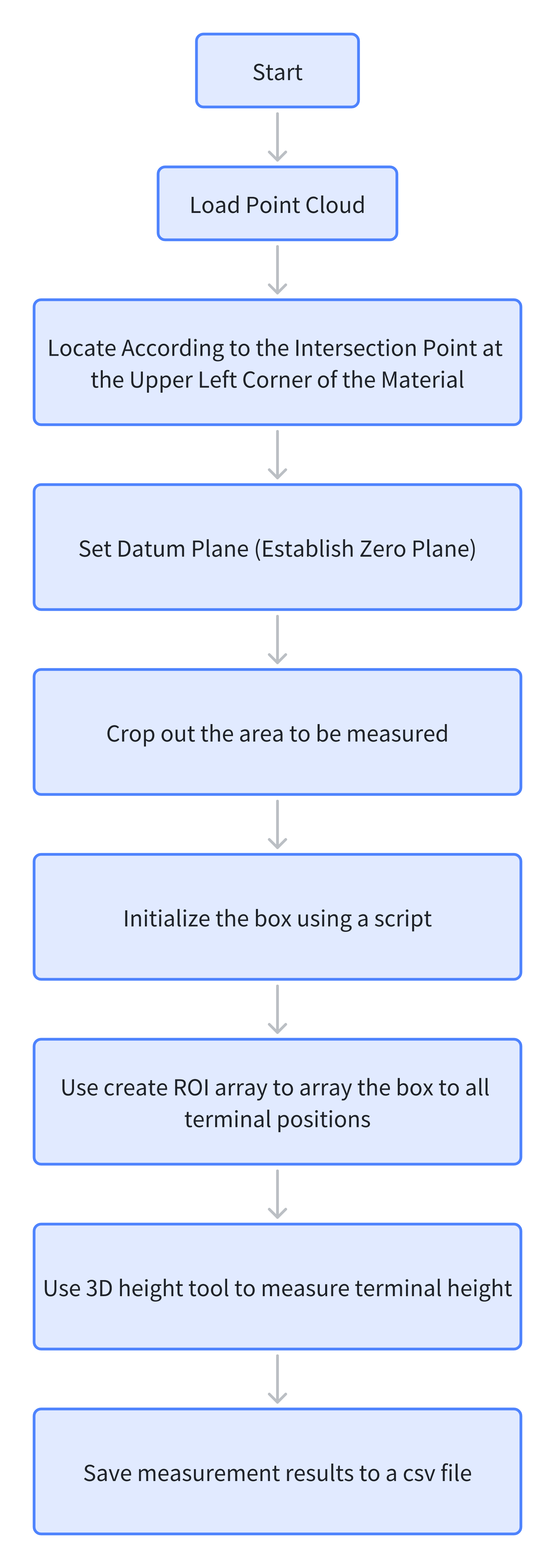
Design Concept
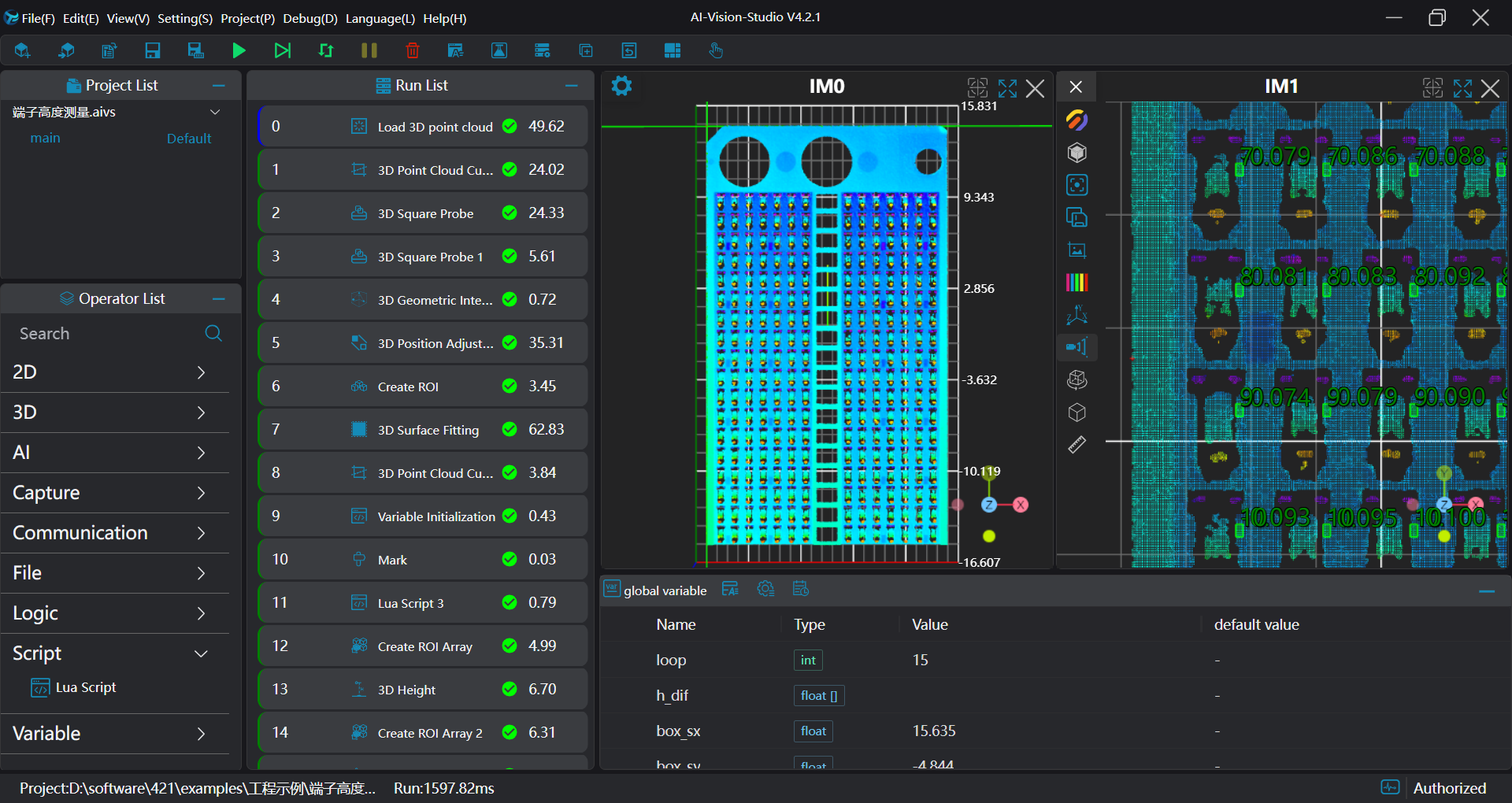
Execution Result Display
Project Process
I. Initialization
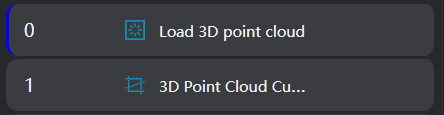
Select
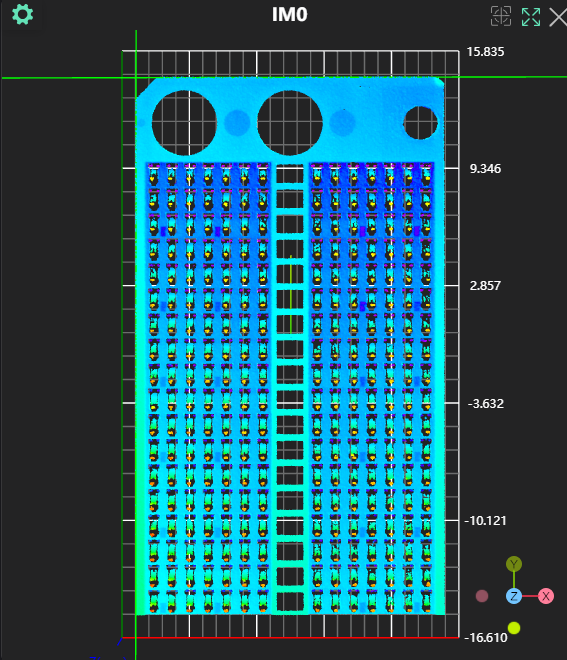
Load Point Cloudto obtain the point cloudSelect
3D Croptool to crop out excess noise.
II. Preprocessing
Position Adjustment
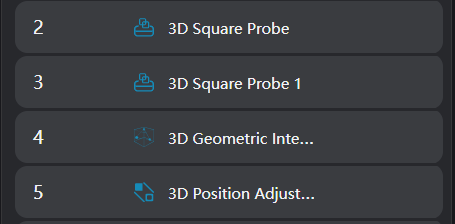
- Use the
3D Square Probetool to find the left and top straight lines of the point cloud.
- Use the
3D Geometry Intersectiontool to calculate the intersection point of the two lines detected in the previous step.
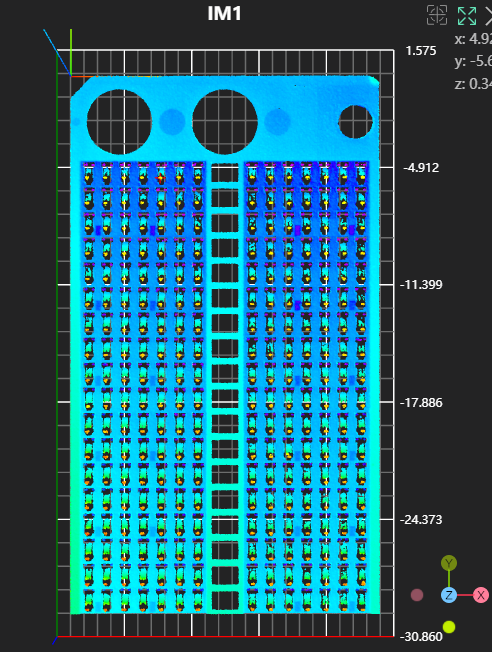
- Use the
3D Position Adjustmenttool to adjust the positioning to the intersection point of the two lines.
Plane Fitting
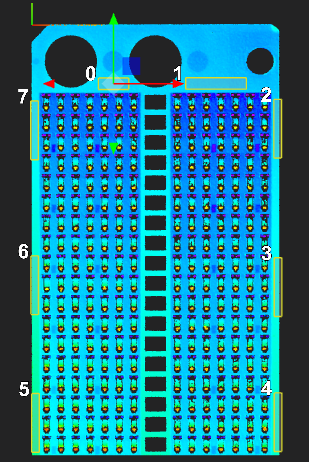
- Use the
Create ROItool to select the reference area.
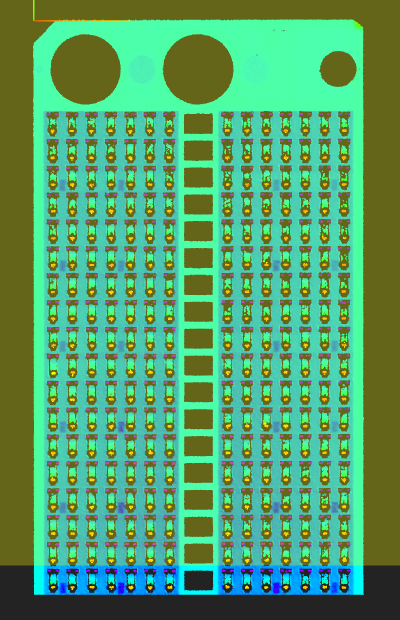
- Use the
3D Plane Fittingtool to fit the plane based on the area selected in the previous tool and set it as the zero plane.
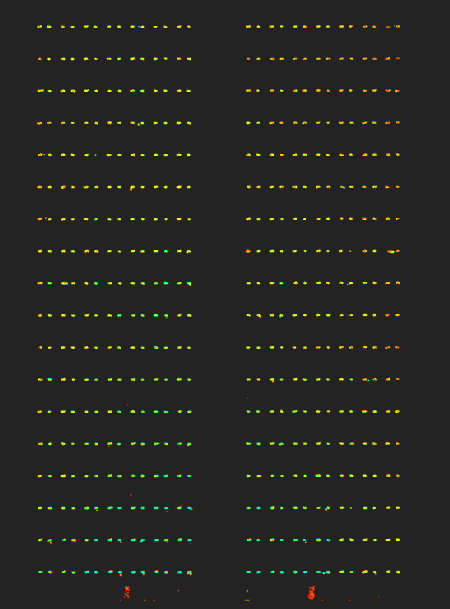
Crop Terminal Area
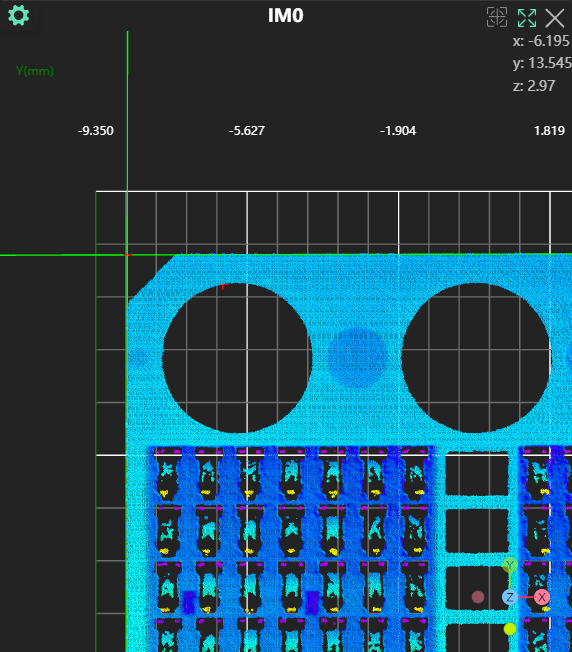
Use the 3D Point Cloud Crop tool to set the z range and crop out the terminal area.
Terminal Height Measurement
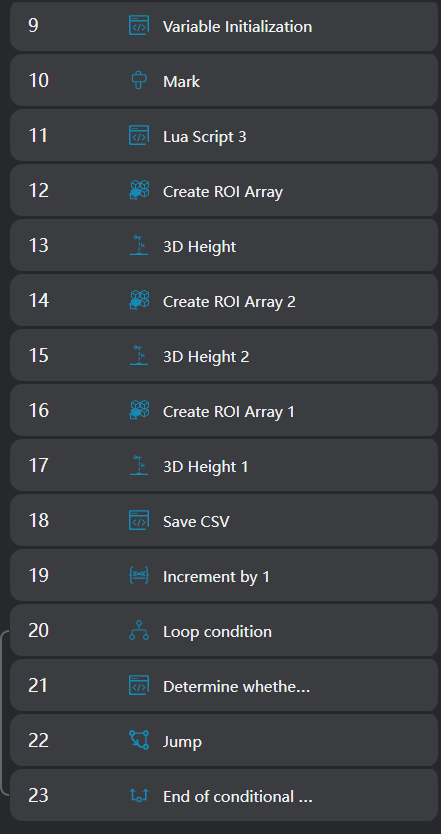
Achieve the measurement of all terminal heights through a loop array ROI. Each loop measures the height of two adjacent columns of terminals. The method for measuring terminal height: terminal measurement height - reference area measurement height.
- Use the
Lua Scripttool to initialize the loop start value and initial box; Provide the loop start value 1 and the box position information for the first row of two adjacent terminals.
SetIntVariable("loop", 1)
SetFloatArrayVariable("h_dif", {})

SetFloatVariable("box_sx", 0.635)
SetFloatVariable("box_sy", -4.844)
SetFloatVariable("box_sz", -0.362)
SetFloatVariable("box_ex", 0.881)
SetFloatVariable("box_ey", -4.690)
SetFloatVariable("box_ez", 0.354)

SetFloatVariable("box_d_sx", 1.200)
SetFloatVariable("box_d_sy", -5.173)
SetFloatVariable("box_d_sz", -0.204)
SetFloatVariable("box_d_ex", 1.284)
SetFloatVariable("box_d_ey", -5.029)
SetFloatVariable("box_d_ez", 0.400)Use the
Markertool to mark the loop start.Use the
Lua Scripttool to output the first row boxes of two adjacent terminal columns and the reference box positions for calculating height based on the box position information output from the previous Lua script.
SetBox("box", box_sx, box_sy, box_sz, box_ex, box_ey, box_ez)

SetBox("box2", box_sx + 0.4, box_sy, box_sz, box_ex + 0.4, box_ey, box_ez)

SetBox("box_d", box_d_sx, box_d_sy, box_d_sz, box_d_ex, box_d_ey, box_d_ez)- Use the
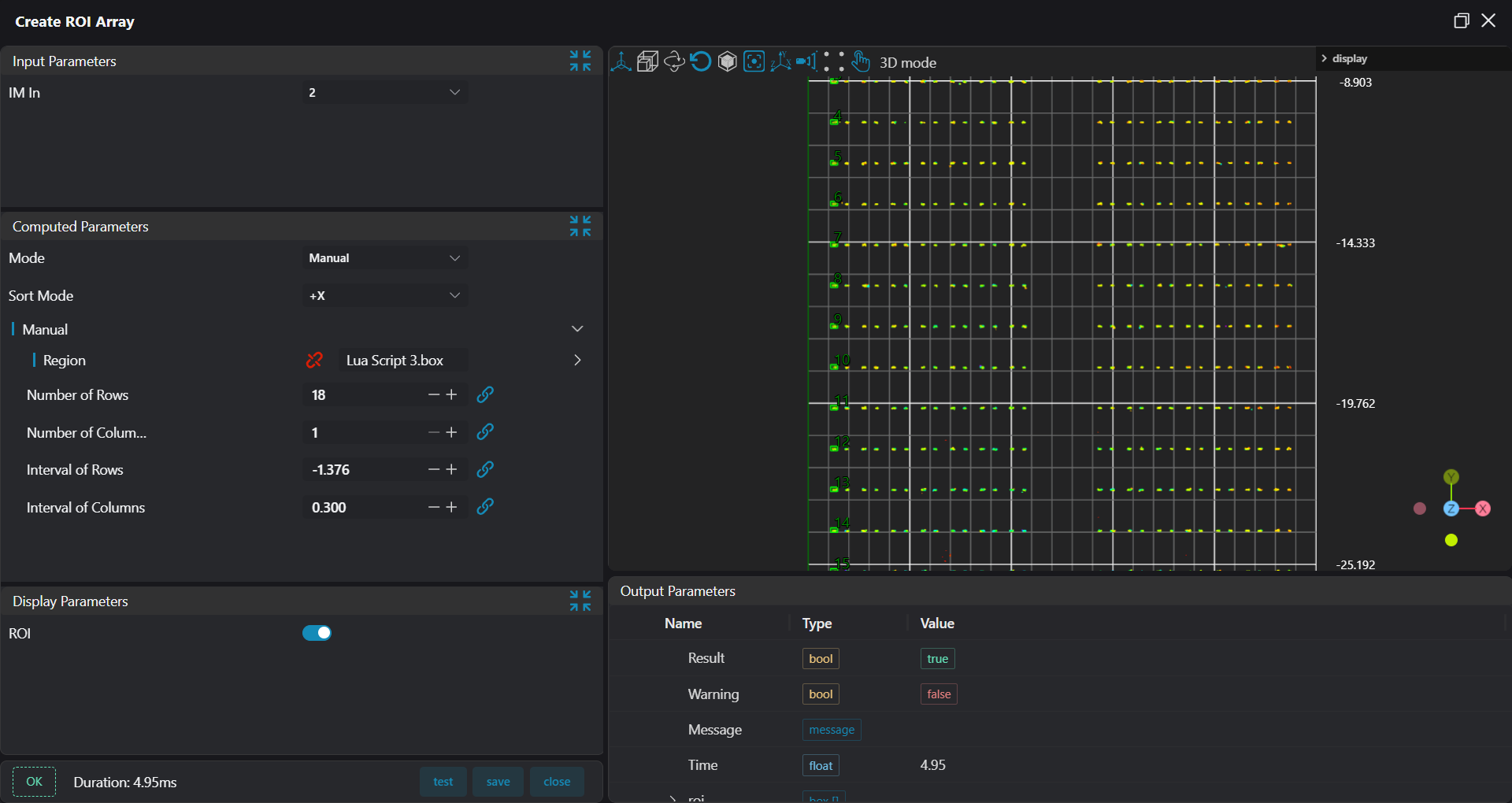
Create ROI Arraytool, using the box output from the previous step as the manual mode input area, and array one column of boxes based on calculated number of rows, columns, and row/column spacing.
- Use the
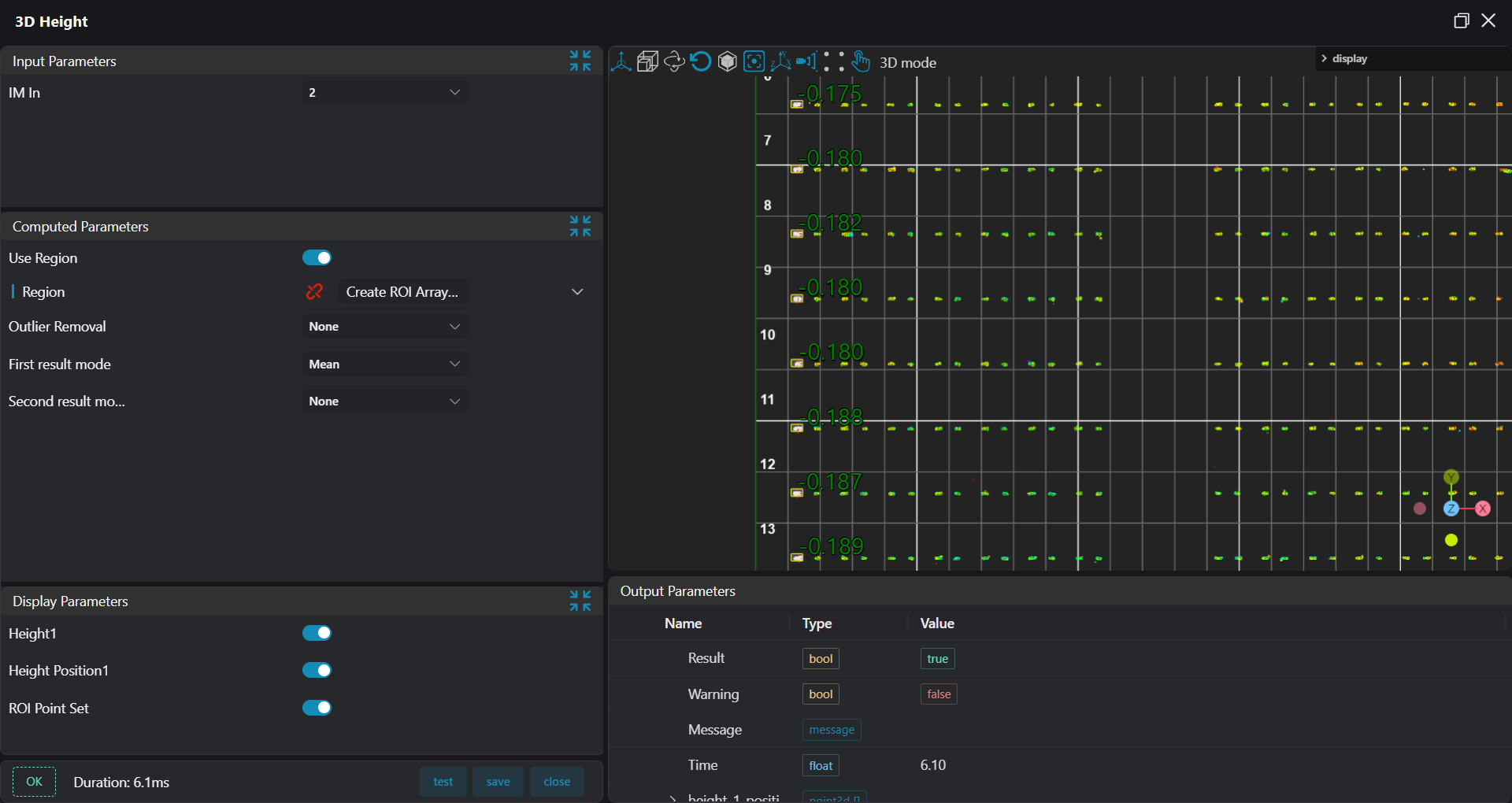
3D Heighttool to calculate the height of all boxes within the area of the column of boxes arrayed using theCreate ROI Arraytool in the previous step.
- Use the
Lua Scripttool, bind the height data of adjacent two terminal columns and the reference height data of the baseline position for calculating height, calculate the terminal height and save it to the CSV file.
-- 生成csv文件
--csv文件初始化
csvHead = ""
--将count修改成您需要保存的列数
for i=1,18,1 do
    --将"Name"修改为"您需要的列名"
    csvHead = csvHead .. "H" .. i .. ","
end
csvHead = csvHead .. "\n"
--创建文件,脚本第一次运行时,没有就创建
--将"./Save.csv"修改为"您想要保存的文件名.csv"
if FileExists("./Save.csv") == false then
    PrintToFile("./Save.csv", csvHead)
end

save_h = ""

for i=1, #input1, 1 do

    save_h = save_h .. (input0[i] - input1[i]) .. ","
end
save_h = save_h .. "\n"

for i=1, #input1, 1 do

    save_h = save_h .. (input2[i] - input1[i]) .. ","
end
save_h = save_h .. "\n"

if FileExists("./Save.csv") == true then
    PrintToFile("./Save.csv", save_h)
end- Use the
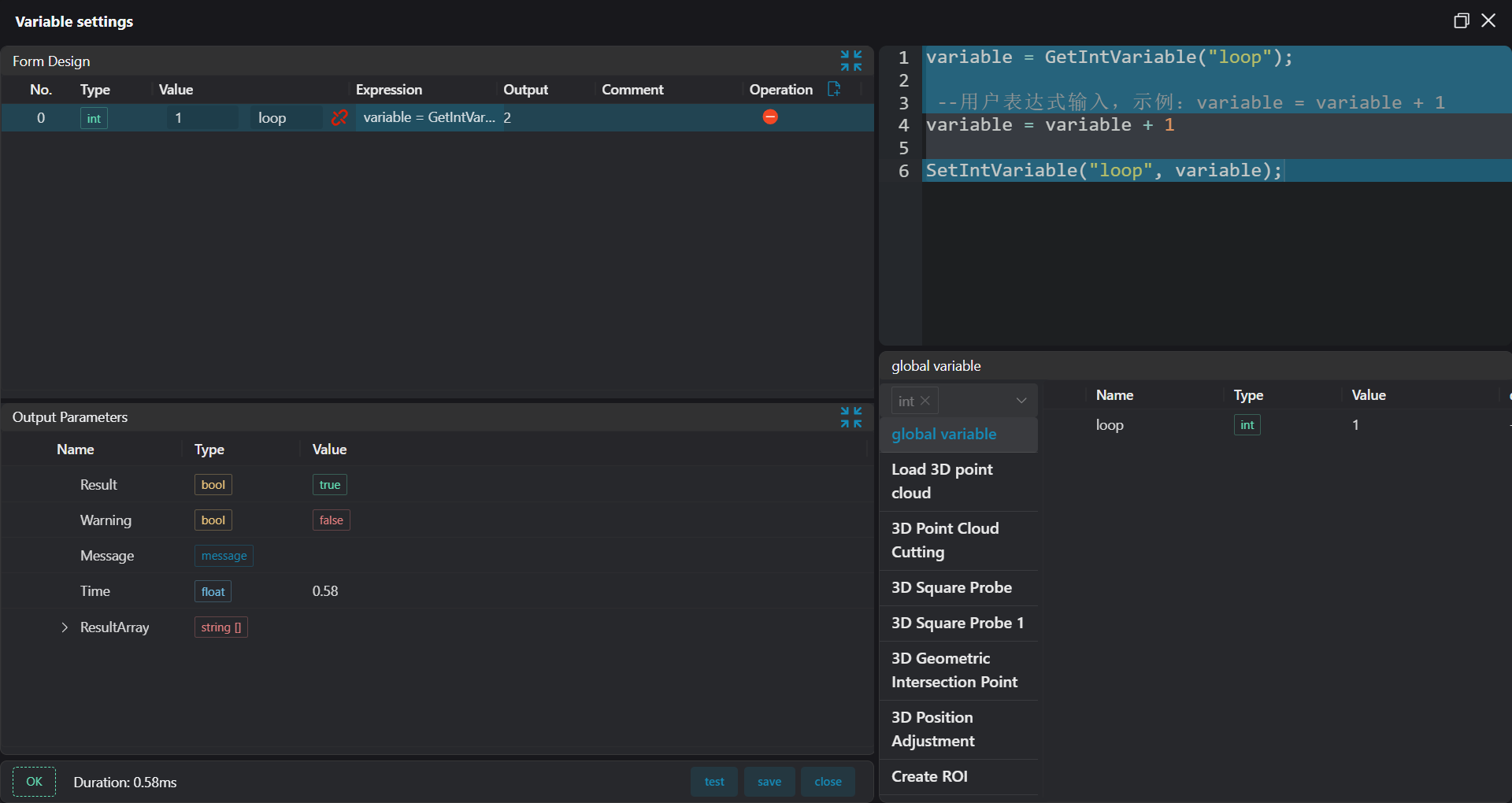
Variable Settingtool to increment the loop variable by 1.
- Use the
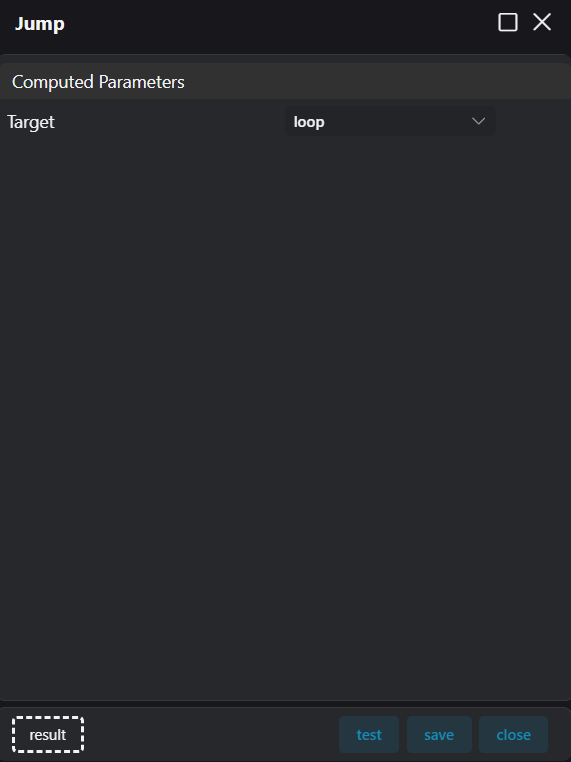
Conditional Branchtool to implement the following: when the loop is greater than or equal to 15, the conditional branch is not executed and the project ends. When the loop is less than 15, jump to the loop marker to continue executing the next loop to calculate the height of the next two columns of terminals.
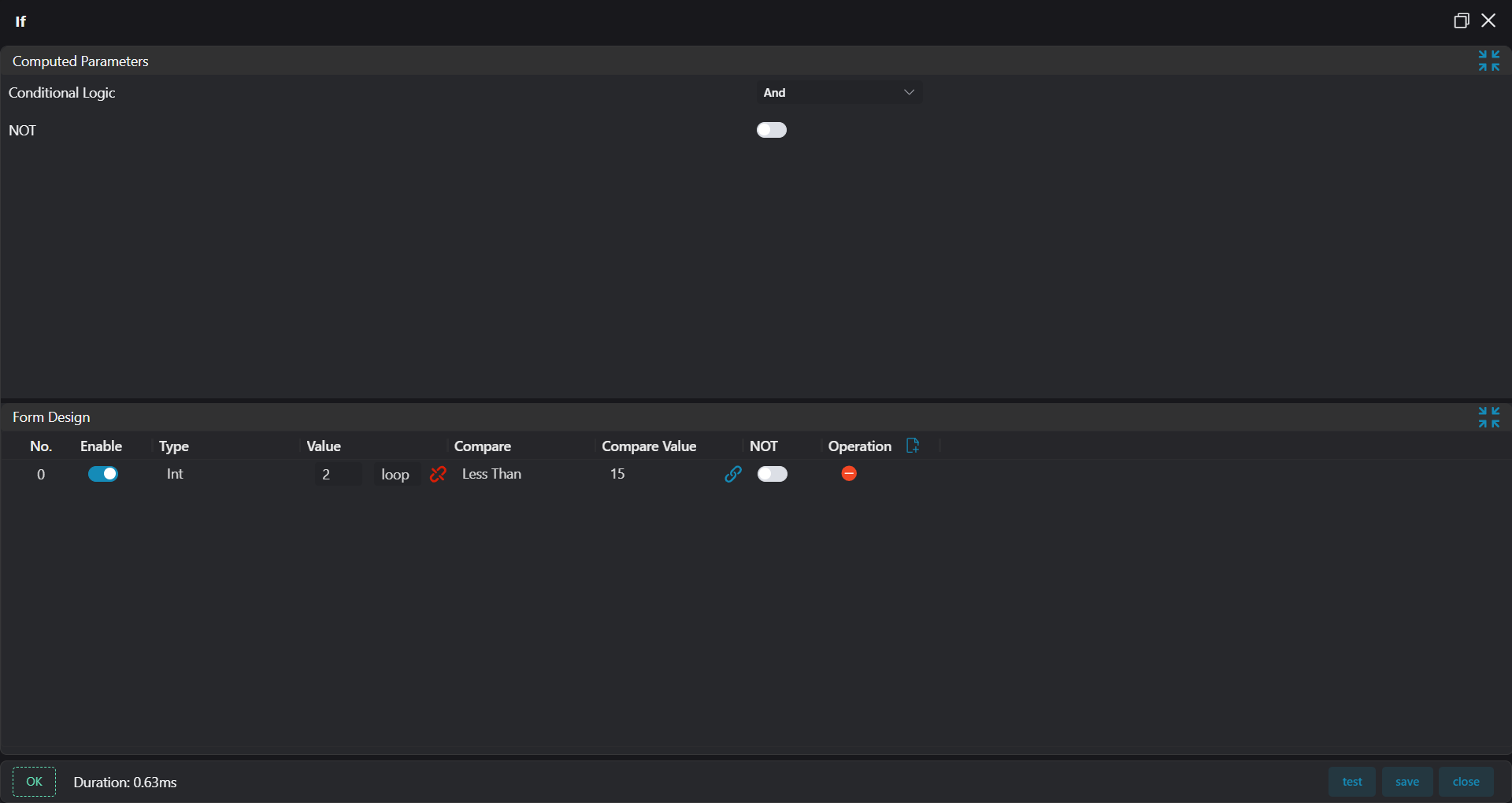
- Use the
Lua Scripttool to set the box position values for the first row of the next two terminal columns For the first 7 groups and the last 7 groups of terminals.
if loop ~= 8 then
    SetFloatVariable("box_sx", box_sx + 1)
    SetFloatVariable("box_ex", box_ex + 1)
    SetFloatVariable("box_d_sx", box_d_sx + 1)
    SetFloatVariable("box_d_ex", box_d_ex + 1)
else
    SetFloatVariable("box_sx", box_sx + 3)
    SetFloatVariable("box_ex", box_ex + 3)
    SetFloatVariable("box_d_sx", box_d_sx + 3)
    SetFloatVariable("box_d_ex", box_d_ex + 3)
end- Use the
Jumptool to jump to the loop start marker.