Device Configuration Page

Management page for hardware devices and communication protocols
Title Bar
| Name | Description |
|---|---|
| System Parameters | Displays the current page name and maximize/close buttons |
Supported Devices List
| Name | Description |
|---|---|
| Add | Add device by double-clicking the device name, or clicking the "+" after the device |
| Support | Grayed out devices are those that can only be used under specific conditions |
Note
For detailed device information, please refer to Device Configuration Page
Device Operations List
| Name | Description |
|---|---|
| Sequence Number | Device order in the list, starting from 0 |
| Icon | Device icon |
| Device Name | User-defined device name, can be selected in tools for operation |
| Status | Green: Device connected Red: Device not connected |
| Enable | On - Device available, can be selected in tools; Off - Device disabled, will not be listed in tools |
| Edit | Modify device parameters. For specific parameter information, please refer to Device Configuration Page After completing operations on the configuration page, click Save. |
| Delete | Delete this device, |
Action Bar
| Name | Description |
|---|---|
| Refresh | Refresh device status once. device parameters are modified, click refresh to view the latest device status |
| Close | Close the device configuration page without saving modified content |
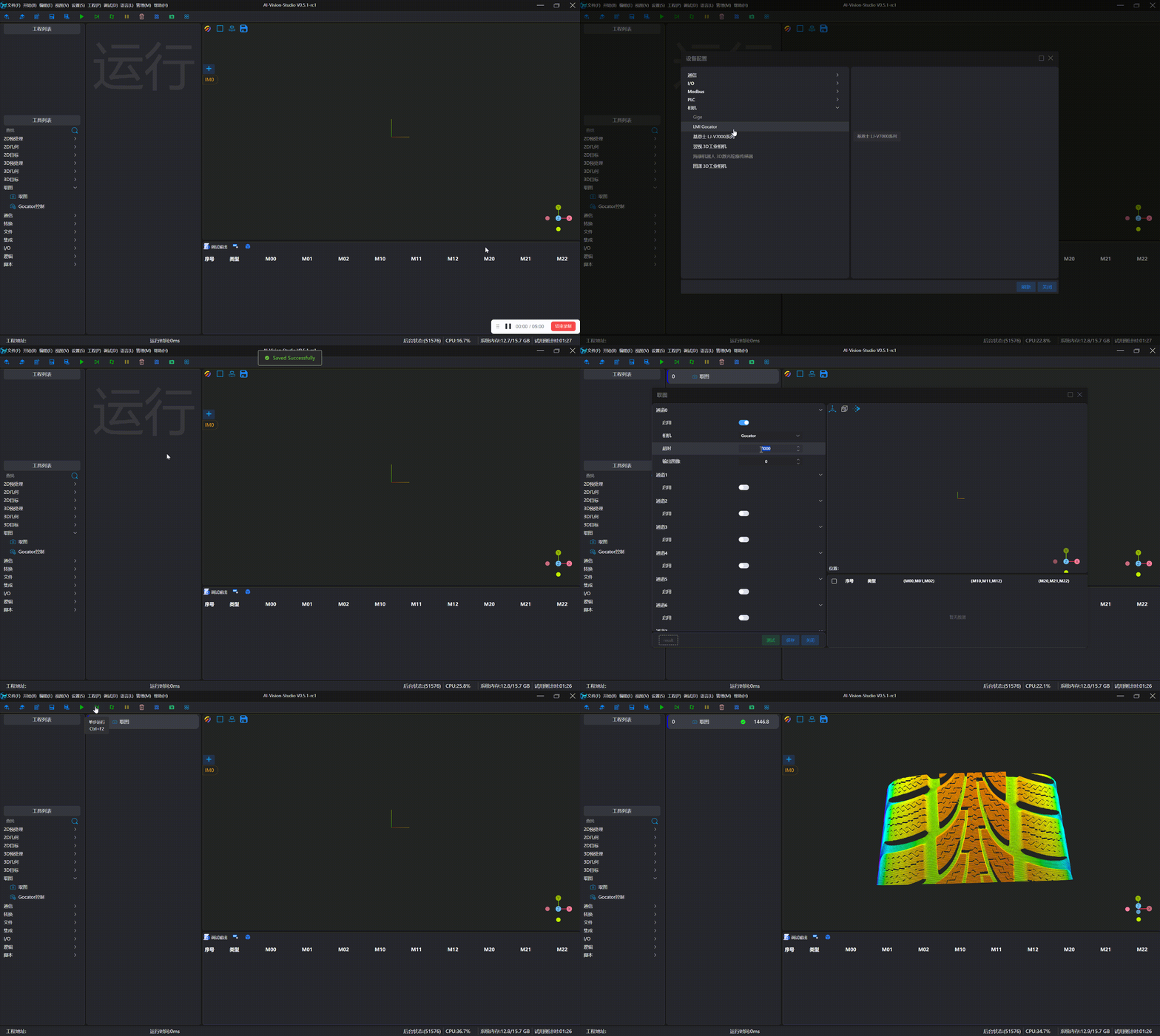
Example: Connecting Camera for Image Capture