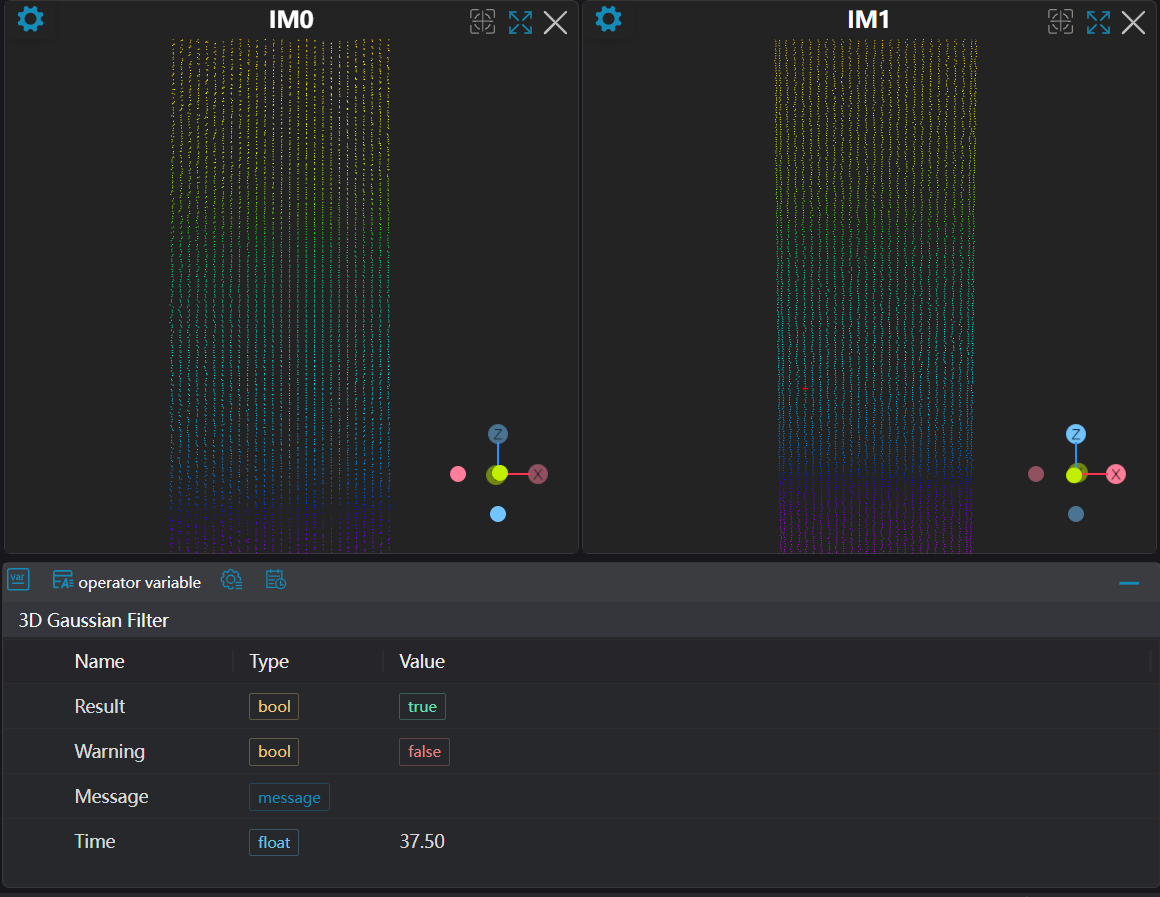
3D Gaussian Filter
Operator Function
Gaussian filter uses the weighted average of neighboring points to replace the original value at the query point, thereby smoothing the point cloud.
Parameter Introduction
Input Parameters

| Parameter | Range | Default Value | Description | Illustration |
|---|---|---|---|---|
| Input Image | 0-8 | 0 | The IM number for image input | |
Calculation Parameters
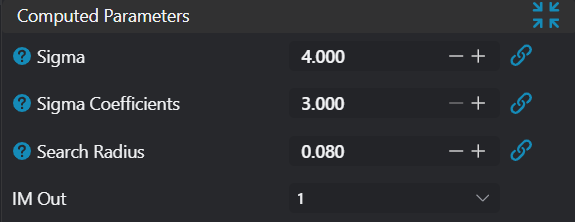
| Parameter | Range | Default Value | Description | Illustration |
|---|---|---|---|---|
| Standard Deviation | 4.000 | Standard deviation determines the width of the Gaussian function. Larger standard deviation results in more uniform weight distribution, similar to mean filtering; smaller standard deviation results in weights more concentrated around the query point, similar to median filtering. | 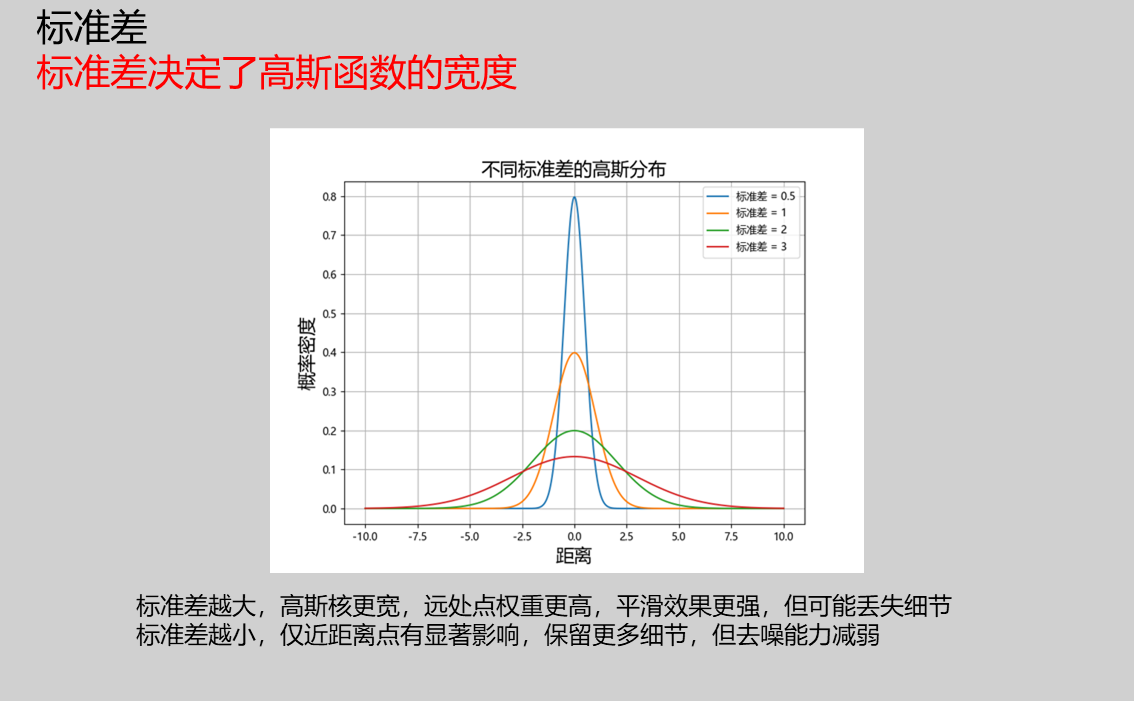 | |
| Distance Threshold Multiplier | 3.000 | This value is mainly used to filter outliers that are far from the current query point. Generally, this parameter does not need adjustment. | 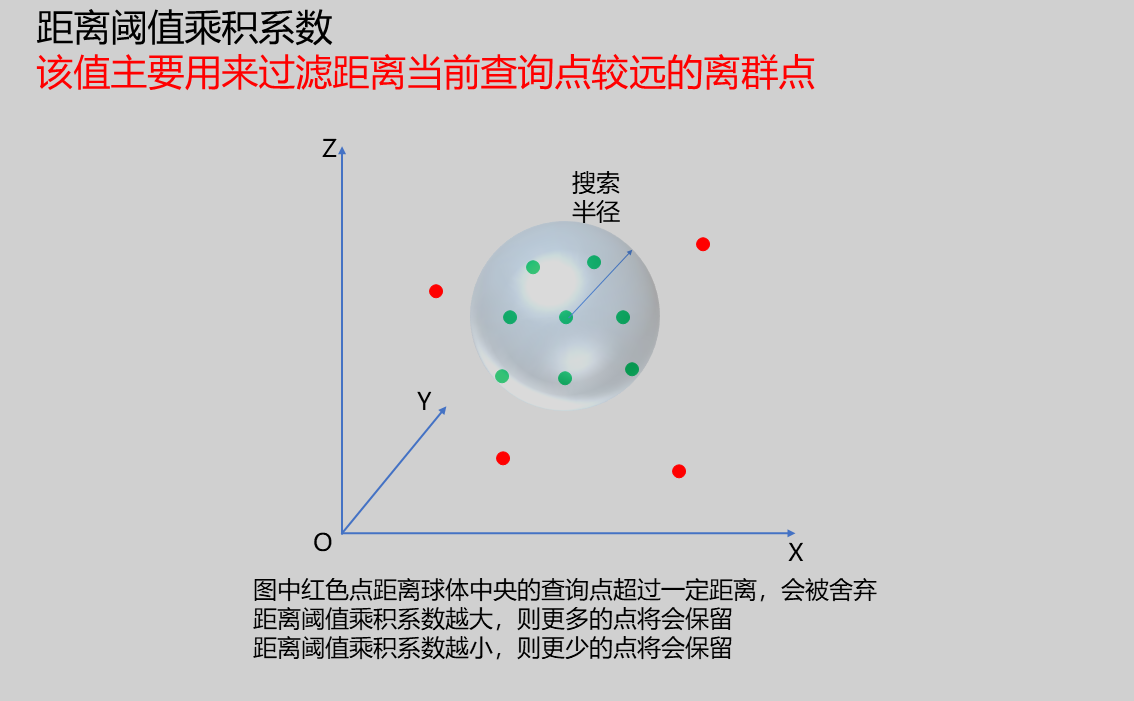 | |
| Search Radius | 0.010 | Search radius determines the filtering range of the Gaussian filter. Larger radius values result in stronger smoothing effects; smaller radius values result in less noticeable smoothing effects. > Note: The search radius should not be too large, as excessively large search radius values can cause point cloud distortion. | 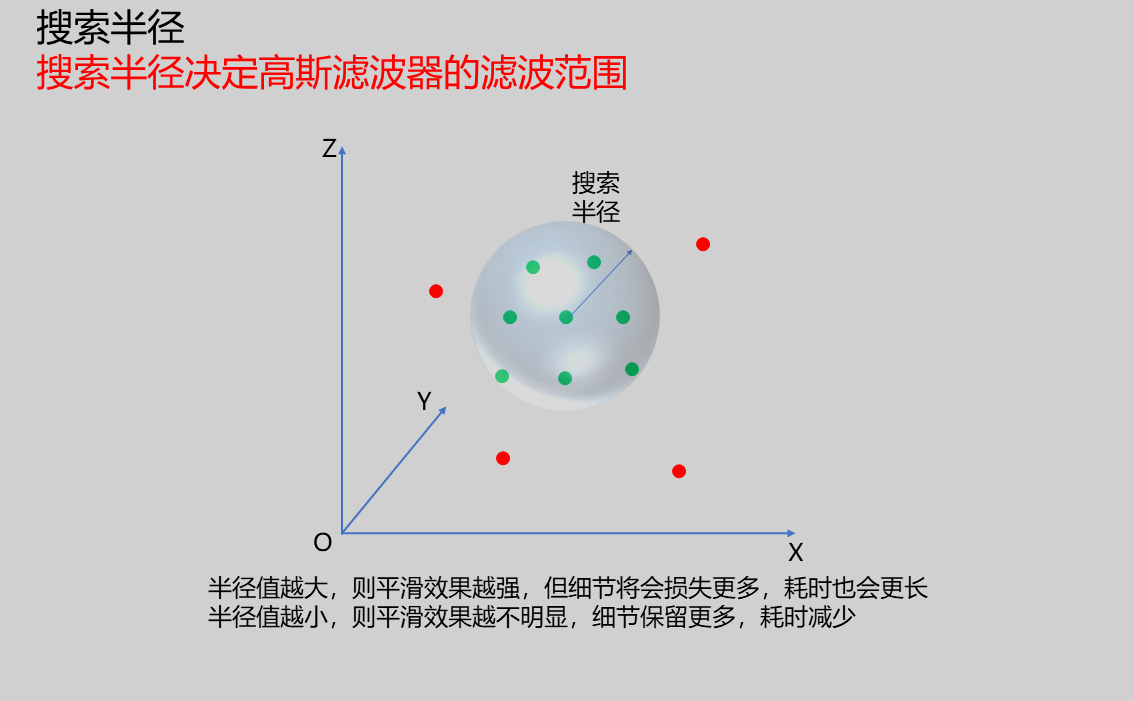 | |
| Output Image | 0-8 | 0 | The IM number for image output |
Output Parameters
| Name | Type | Range | Description |
|---|---|---|---|
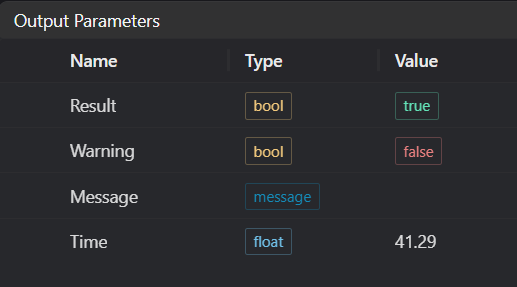
| Result | bool | true/false | true for success false for failure |
| Warning | bool | true/false | true indicates there is a warning false indicates there is none |
| Message | string | Outputs success, error, or warning information; if there is no error or warning, it is empty | |
| Time | float | Operator execution time, unit: ms |
Exception Troubleshooting
| No. | Exception Information | Corresponding Parameter | Solution |
|---|---|---|---|
| 1 | 3D Gaussian filtering failed | Check if search radius parameter is less than 0 | |
| 2 | Output point cloud is empty, please modify parameters | 1. Check if input point cloud is empty 2. Check if point cloud contains invalid values 3. Check if search radius is set too small | |
| 3 | Input point cloud is empty | Check if input point cloud is empty |
Example Introduction
Engineering Design
Select the
Load 3D Point Cloudtool to load the 3D point cloud image to be processed into IM0.Select the
3D Gaussian Filtertool.
Tool Usage
Select the input image for operation; the image number must match the IM number where the image is located in the project.
Set parameters
Click
Testto check if the image window and parameters meet expectationsIf there are no issues, click
Save, then run the operator in the run list to view the results in the corresponding IM